


The Design + AI Summit 2026: Part 2

Event Overview
NOW AVAILABLE ON DEMAND
Don’t worry if you didn’t attend Part 1 of our AI Summit. This is not a sequel—it’s an update that will keep you up to speed. Part 1 is also available on demand!
AI is evolving faster than any creative professional can track on their own. New tools, new models, and new workflows appear every week—and knowing what truly matters has become the real challenge.
The Design + AI Summit 2026 Part 2, being held online September 17–18, is your place to cut through the noise.
You’ll explore the latest updates to Adobe Firefly and partner models, work with new AI features in Photoshop, Illustrator, InDesign, and Express, compare leading models and tools, and learn practical workflows for prompting, automation, AI video, and cross-app production. You’ll also gain guidance on the legal and ethical questions shaping the industry today.
Can’t join us live? Don’t worry, we’ve got you covered. . .
Registration includes on-demand access to session and Q&A recordings for a full year for the days your pass covers, so you can soak in the knowledge at your own pace.
What We'll Cover
- Comparing AI tools and models and understanding their strengths
- Practical prompt strategies for text, image, and video
- AI for social media marketing
- Navigating the legal and ethical landscape of AI
- AI video production for designers
- Working with AI generated text
- AI Agents and Vibe Coding
Get a Taste
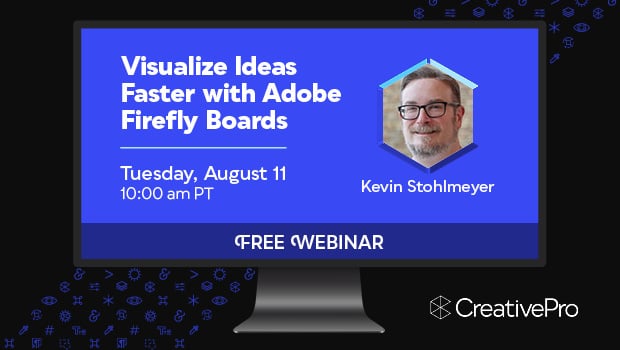
Free Webinar: Visualize Ideas Faster with Adobe Firefly Boards
Learn how Adobe Firefly Boards can help you brainstorm, organize ideas, and explore creative directions…
Using Text-Based Video Editing Apps
Edit your videos like you would edit a Word doc using these AI transcription tools!
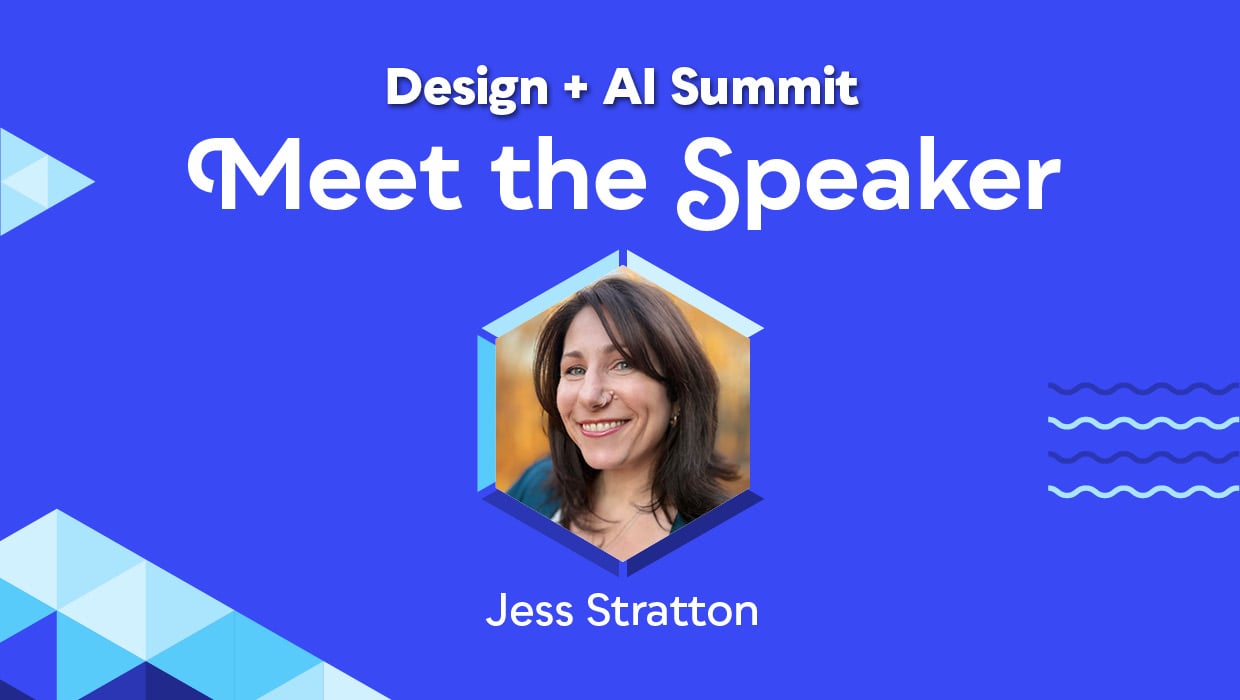
Interview with Jess Stratton, Technology Coach and Trainer
A trusted technology coach shares how creatives can conquer AI overwhelm, master Microsoft Copilot, and…
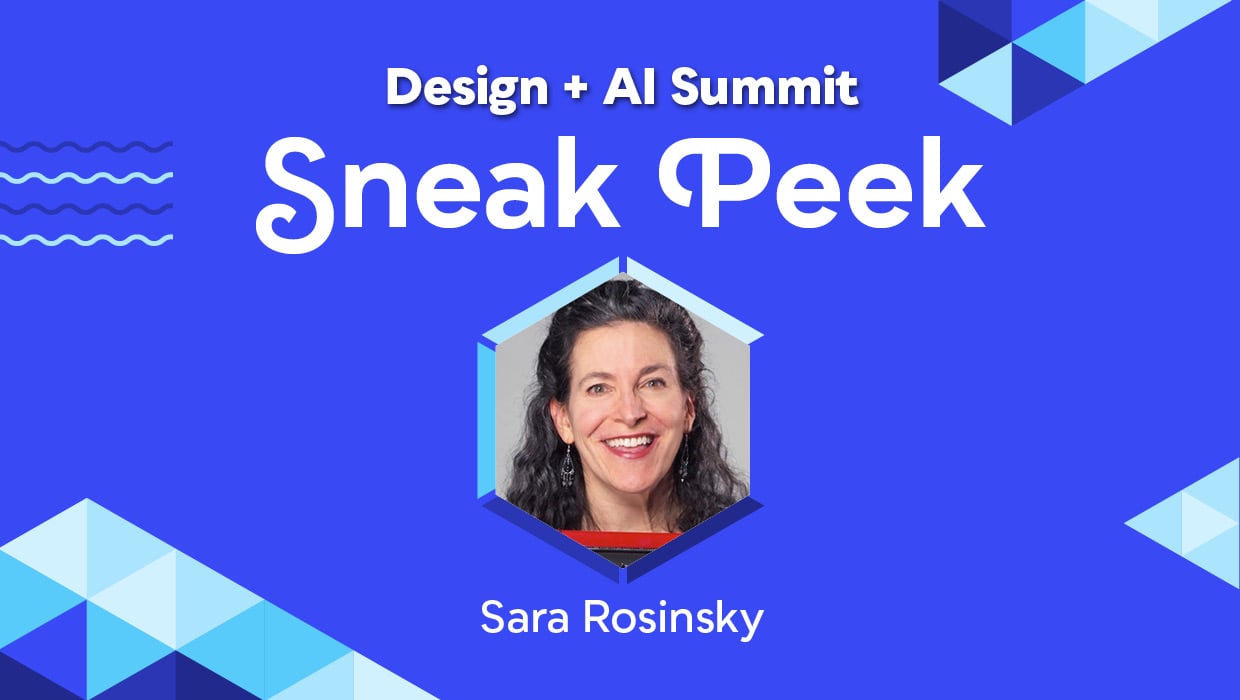
Stop Using This Writing Formula
Write clearer, more effective copy by replacing one of AI’s most common writing formulas.
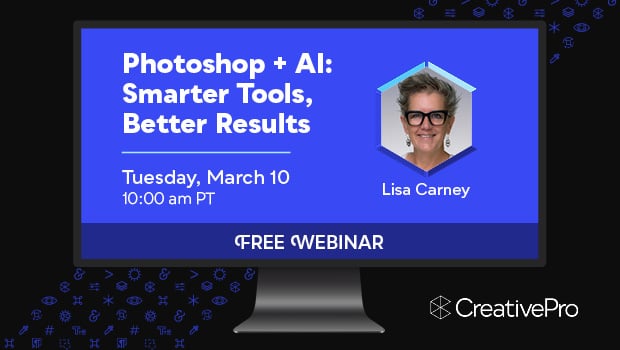
Free Webinar: Photoshop + AI—Smarter Tools, Better Results
Learn how to use Photoshop’s AI tools to speed up your editing process and get…
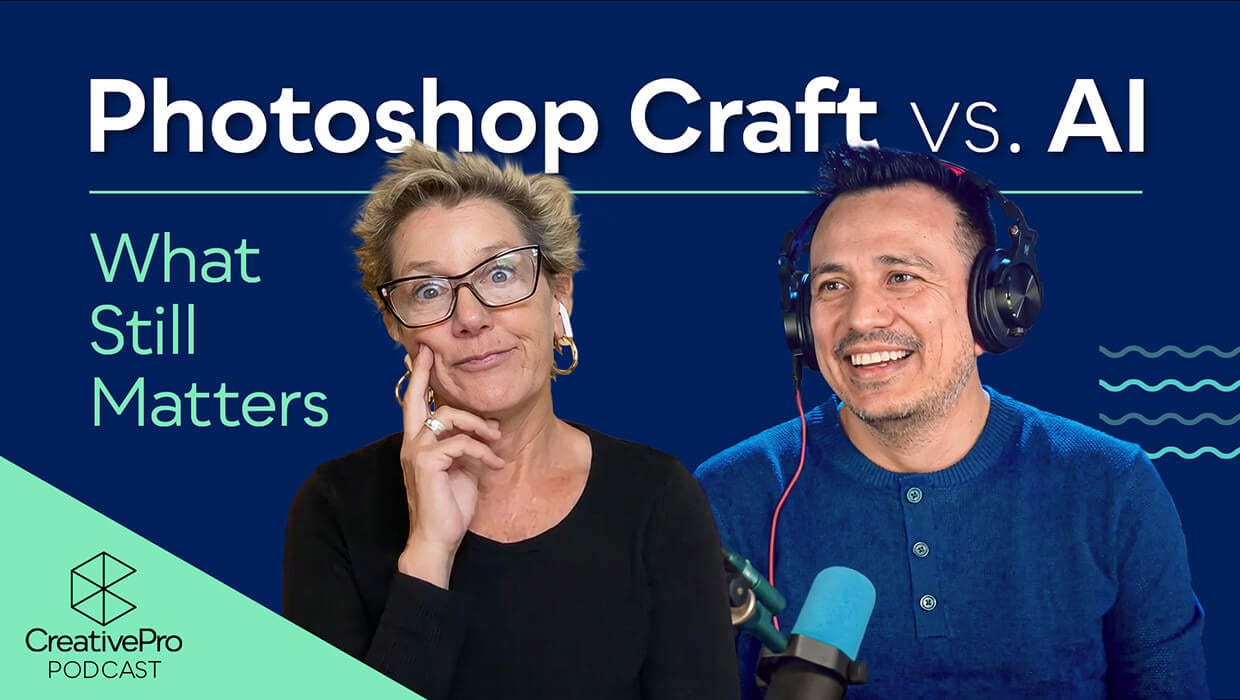
Photoshop Craft vs AI: What Still Matters
Lisa Carney and Jesús Ramirez have a friendly conversation exploring the intersection of Photoshop craft…
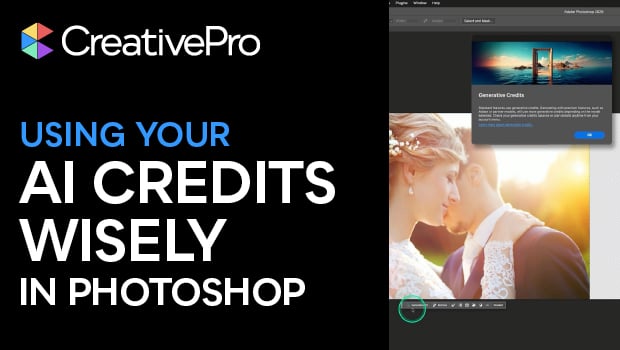
Using Your Photoshop AI Credits Wisely
When should you use Generative AI and when should you stick with Photoshop’s native tools?…
Why Attend
See why The Design + AI Summit needs to be in your 2026 plans now!
Turn AI Into Your Creative Superpower
Learn how to harness the latest AI tools to boost your creativity, efficiency, and results—across design, writing, social media, publishing, and beyond.
Stay Ahead in a Rapidly Changing Industry
Get cutting-edge insights from internationally renowned experts and discover how to integrate AI into your workflow before your competition does.
Work Smarter, Create Better
Master practical, real-world techniques to streamline your design process with AI tools like Photoshop, InDesign, Illustrator, and emerging GenAI platforms.
Year-Round Learning
With a full year of on-demand access to sessions and resources, you’ll be ready to adapt, innovate, and lead the way in the AI-powered creative future.
Need to convince your boss?
Download our Convince Your Boss kit today—it contains our 2026 PDF brochure, printable agenda, and an email letter template you can personalize.
On-Demand Registration Details
One year of on-demand access
to all session and Q&A session recordings for the days your pass covers
Speaker handouts
and resources from the world’s top experts
Alumni discount
on future CreativePro events
Certificate of Participation
Pricing
All prices are in USD. CreativePro Member discount cannot be combined.
| Pass Type | CreativePro Members | Non-Members |
|---|---|---|
| Part 2: September 17–18, 2026 | $570 | $695 |
| 4-Day Pass (Includes Part 1 and Part 2) | $950 | $1,075 |
| Part 1: April 9–10, 2026—Now Available On Demand | $570 | $695 |
Discounts and Group Registrations
- Students, faculty, non-profits, and government agencies can receive a $100 discount off any multi-day pass.
- CreativePro Members can receive a $125 discount off any multi-day pass.
- Alumni of CreativePro events can receive a $150 discount off any multi-day pass.
- Groups of three or more can receive a $50 discount for each attendee they register.
- Discounts cannot be combined (including CreativePro member discount). Discounts cannot be added after you have registered.
- Please contact us here for discount information prior to registering.
Substitutions
- You may transfer your registration to another person by writing Marci on our Contact Us page. Your request must include your name and e-mail address as well as that of the person who will now be attending in your place. Once we receive this information, a confirmation letter will be sent to the new attendee.
- If you need any other information after reviewing this page, please contact us here.
Speakers
Get real-world answers to your toughest design challenges from our industry-leading experts.













All times are listed in Pacific timezone.
Click here to download the printable agenda PDFDay 1:
Thursday, September 17, 2026
Prompting for Consistent Creative Results
AI tools are evolving rapidly and opening new creative possibilities every day. Achieving consistent, repeatable AI-generated results is becoming easier to achieve.
This session focuses on the communication strategies behind effective AI workflows. Learn how to guide a variety of AI models with similar mechanisms of clarity, context, and creative direction you already use when working with clients, teammates, and collaborators.
Explore how different tools available through Adobe Firefly respond to prompts, references, and iterative feedback. As you learn to communicate your intent more effectively across integrated image and video generation tools, you'll understand why more vague requests and especially those prompts lacking direct visual guidance often lead to generic output. From there, discover how a variety of guided refinement mechanisms help improve the quality and consistency of AI-generated results.
You'll leave with practical strategies for working with AI as a creative partner while maintaining consistency, quality, and creative control.
You will learn how to:
- Write clearer prompts that produce more consistent results
- Adjust strategies for different AI models to achieve consistency
- Guide AI tools with visual references and context for detailed iteration
- Refine AI output through interactive feedback and instruction
Exploring the Latest AI-Assisted Editing in Photoshop
Join Adobe’s Howard Pinsky for a practical look at the latest AI-assisted editing experiences in Photoshop. Howard will explore new ways to make changes using natural language, visual guidance, and intelligent editing tools while keeping you in control of the creative process.
See how these evolving workflows can complement the Photoshop tools you already know, simplify common editing tasks, and give you more ways to approach image editing.
You will learn how to:
- Explore new AI-assisted ways to edit and refine images in Photoshop
- Use natural language and visual guidance to communicate editing intent
- Combine assisted editing with familiar hands-on Photoshop workflows
- Maintain creative control while experimenting with Photoshop’s latest AI capabilities
Social Media Marketing Powered by AI
Successful social media marketing requires a full creative pipeline. You’re expected to brainstorm ideas, write captions, create graphics, edit video, and publish constantly. This session explores how AI can help you simplify that process and create stronger content in less time.
In this session, Brittney Megann shares her real-world approach to using AI to work faster, stay organized, and produce more content without sacrificing authenticity, creativity, or personality.
You’ll leave with actionable strategies for using AI as a creative assistant that supports your ideas instead of replacing them.
You will learn how to:
- Turn scattered ideas, voice notes, and rough “brain dumps” into polished social content with ChatGPT, Adobe Express, and Adobe Firefly
- Create reusable Adobe Express templates for faster, more consistent content creation
- Use tools like generate captions in Adobe Express to rewrite, lengthen, or shorten your social media captions
- Maintain an authentic brand voice while working with AI tools
- Streamline repetitive tasks so you can spend more time creating instead of getting stuck in production cycles
Sponsored Lunch Session: PageProof Intelligent Proofing. Powered by AI.
What if you could catch issues in your design before review begins?
Join PageProof co-founder and CTO Marcus Radich for a fast-paced 25-minute introduction to PreProof™, the new PageProof Intelligence® feature that analyzes your InDesign file and surfaces AI-suggested improvements before you've sent anything for review.
Better first proofs. Fewer rounds. Faster to approved.
Managing AI Use Across a Design Team
AI is disrupting creative workflows everywhere. Designers are no longer the only team members creating visual content, and your entire organization now has access to AI tools. Have you established clear standards for how those tools should be used?
Join Amy Balliett in conversation with creative leader Josh Miles for an honest discussion about what happens when AI becomes part of the day-to-day reality of managing a creative team.
Drawing from years of building and leading interdisciplinary creative teams, Josh shares practical lessons learned from implementing AI inside a large enterprise environment.
Together, Amy and Josh will explore the challenges organizations face right now, including workflow disruption, creative oversight, tool selection, quality control, and maintaining trust in the creative process.
Insights include:
- Maintaining quality and brand consistency across AI-assisted creative workflows
- Establishing practical standards and expectations for teams using AI tools
- Supporting designers and non-designers in creating content with AI
- Avoiding common workflow and implementation mistakes as AI adoption grows
Photoshop AI for Real-World Retouching and Compositing
AI tools in Photoshop look impressive in demos. Production work is a different story. In this session, Lisa Carney shows how she is using Photoshop AI right now in professional retouching and compositing workflows. These are real files. Real deadlines. Real client expectations. The work needs to hold up for screen, print, and ongoing revisions.
Lisa walks through practical, client-style scenarios drawn from high-end retouching work. She shows where AI genuinely saves time. She also shows where it falls short. You’ll see how and when to step in with traditional retouching skills to finish the job cleanly and confidently.
This session focuses on production-ready workflows. Not demo-pretty results. You’ll leave with a clear understanding of what Photoshop AI is good at today, what still requires human judgment, and how professionals are combining both to deliver reliable results.
You will learn how to:
- Speed up cleanup, selections, and background extensions with AI tools that actually hold up.
- Recognize where AI results break down and how to refine them manually.
- Manage resolution and quality for files headed to screen and print.
- See how high-end retouching decisions translate to demanding, client-driven work.
How to Wash the Smell of AI Out of Your Text
AI is very good at writing text that sounds like writing. That doesn’t mean it’s good.
If AI wrote this description, it might urge you to “unleash your inner writer,” “supercharge your text,” or some such nonsense. But this isn’t AI—I promise. It’s me, Sara, a longtime copywriter who wants to share some solid writing tips with you so you can build your very own sentences from scratch. Or, if needed, wash the smell from your AI text.
The goal isn’t to swear off AI. It’s to stop letting it do your thinking.
You’ll leave better at spotting bad writing, more confident in editing AI output, and more comfortable trusting your own words.
Key takeaways:
- Fire up your empathy and connect with your reader
- Stop prompting and start persuading
- Use your humanness to your advantage
Day 2:
Friday, September 18, 2026
Copilot and Creative Workflows Across Microsoft 365
Microsoft Copilot is an AI-powered companion built into the Microsoft ecosystem. If you work in a Microsoft environment, you likely already have access to Copilot tools. As a creative professional, it’s important to understand what these tools do well, where they fall short, and how to guide the quality of the final result.
In this session, Jess Stratton explores how Copilot can support creative work across the Microsoft ecosystem. Learn how to use Copilot as a workplace creative assistant to brainstorm ideas, organize information, develop branded content, generate infographics, and speed up presentation workflows. Jess will also demonstrate how brand packages and style guidance can help Copilot create more consistent, on-brand results across projects and teams.
You’ll leave with practical strategies for working smarter with AI while maintaining creative control, brand consistency, and design quality.
Topics include:
- Using Copilot as a workplace creative assistant across Microsoft 365
- Understanding Copilot’s four pillars for prompting: Goal, Context, Expectation, and source
- Building brand packages for more consistent AI-generated content
- Generating infographics and presentation content with Copilot
- Recognizing Copilot’s strengths and limitations
Adobe Express + AI for Turbocharged Productivity
You can turn ideas into finished campaigns faster with the AI Assistant in Adobe Express. This session explores how the rapidly evolving AI Assistant can help you plan, build, and deliver cohesive campaigns faster than ever. Through practical, real-world demos, you’ll see how AI supports idea generation, streamlines everyday creative tasks, and helps you produce more assets with less effort—while keeping your design voice intact. Walk away with a clear understanding of what’s possible now, what’s emerging, and how to use the Express AI Assistant to work smarter at every stage of your content creation process.
You will learn how to:
- Use AI-assisted layout, alignment, and spacing to reach usable layouts faster
- Apply color, text styling, and animations quickly to test visual direction early
- Modify images and replace objects without rebuilding designs from scratch
- Generate and refine on-brand text directly inside design workflows
- Use the AI Assistant in Adobe Express to move campaigns from concept to deliverables faster
AI + Design Law, Ethics, and Risk
AI is moving fast, and so is the legal landscape around it. You need to understand how to protect yourself, your company, and your clients when using generative AI in professional creative work.
In this session, attorney Seth Polansky breaks down the legal and ethical realities creative professionals need to understand right now. He’ll explain where current copyright law stands, what risks come with using AI-generated assets and content, and how to navigate AI responsibly as it becomes part of everyday creative workflows.
Whether you are experimenting with AI tools or integrating them into professional work, this session will help you ask smarter questions and avoid costly mistakes.
You will learn how to:
- Understand the current legal landscape surrounding AI-generated content
- Identify copyright, ownership, and licensing risks tied to AI assets
- Recognize ethical concerns and potential liabilities in creative workflows
- Build smarter AI policies for your professional creative work
AI Selections for Fast Photoshop Fixes
Photoshop selections used to be one of the most tedious parts of image editing. Now AI can handle much of the heavy lifting in seconds.
In this session, Photoshop expert Colin Smith shows how modern AI-powered selection tools can dramatically speed up retouching, compositing, masking, and image-cleanup workflows. Learn how to get better results faster, when to trust the AI, when to step in manually, and how to combine different selection techniques to solve real editing challenges.
This is a practical, workflow-driven session focused on saving time, reducing frustration, and helping you work smarter in Photoshop.
You will learn how to:
- Create fast, high-quality selections with today’s AI-powered Photoshop tools
- Compare Select Subject and Object Selection for different editing challenges
- Target specific areas of a person with advanced People selections
- Use the Remove tool to quickly find and remove distractions
Remove the Tedious with Agents and Vibe Coding
How much of your day disappears into tedious production tasks instead of the creative work you love doing? This session shows how AI can take on the heavy lifting so you can focus on what matters most—without needing to learn complex automation software. We’ll dive into intuitive, design-friendly solutions like Google Spark and GEMs, showing you how to build custom AI assistants tailored to your exact workflow. You’ll also be introduced to "Vibe Coding"—the emerging practice of using natural language to build simple apps, dynamic interfaces, and execute creative logic. Finally, we'll share real-world "lessons learned" from the trenches of vibe coding, equipping you with the exact commands and strategies needed to keep the AI completely aligned with your creative vision.
Topics include:
- Building simple AI-powered apps for custom creative workflow solutions
- Automating tedious tasks through independent agents and robust apps
- Streamlining everyday production tasks with agentic workflows
Video Post-Production: Save Time and Open New Doors with AI
- Speed up editing and reduce manual work
- Automate transcription, rough cuts, and captioning
- Organize footage with AI-assisted tagging and asset management
- Upscale and restore low-resolution video
- Repurpose long-form content into short, social-ready clips


Discounts and Group Registrations
- Students, faculty, non-profits, and government agencies can receive a $100 discount off any multi-day pass.
- CreativePro Members can receive a $125 discount off any multi-day pass.
- Alumni of CreativePro events can receive a $150 discount off any multi-day pass.
- Groups of three or more can receive a $50 discount for each attendee they register.
- Discounts cannot be combined (including CreativePro member discount). Discounts cannot be added after you have registered.
- Please contact us here for discount information prior to registering.
Substitutions
- You may transfer your registration to another person by writing Marci on our Contact Us page. Your request must include your name and e-mail address as well as that of the person who will now be attending in your place. Once we receive this information, a confirmation letter will be sent to the new attendee.
- If you need any other information after reviewing this page, please contact us here.