




In this Photoshop how-to video, Michael Mondragon helps you make the best use of your limited AI credits. Sometimes Photoshop has an easy native tool for the job if you know where to look. Use Content-Aware Fill for when you need to make small spot edits and save your credits for complex changes like expanding the edges of your photograph.
Subscribe to the CreativePro YouTube channel for more helpful design tips!
This article was last modified on April 29, 2026
This article was first published on February 27, 2026
Commenting is easier and faster when you're logged in!

Recommended for you
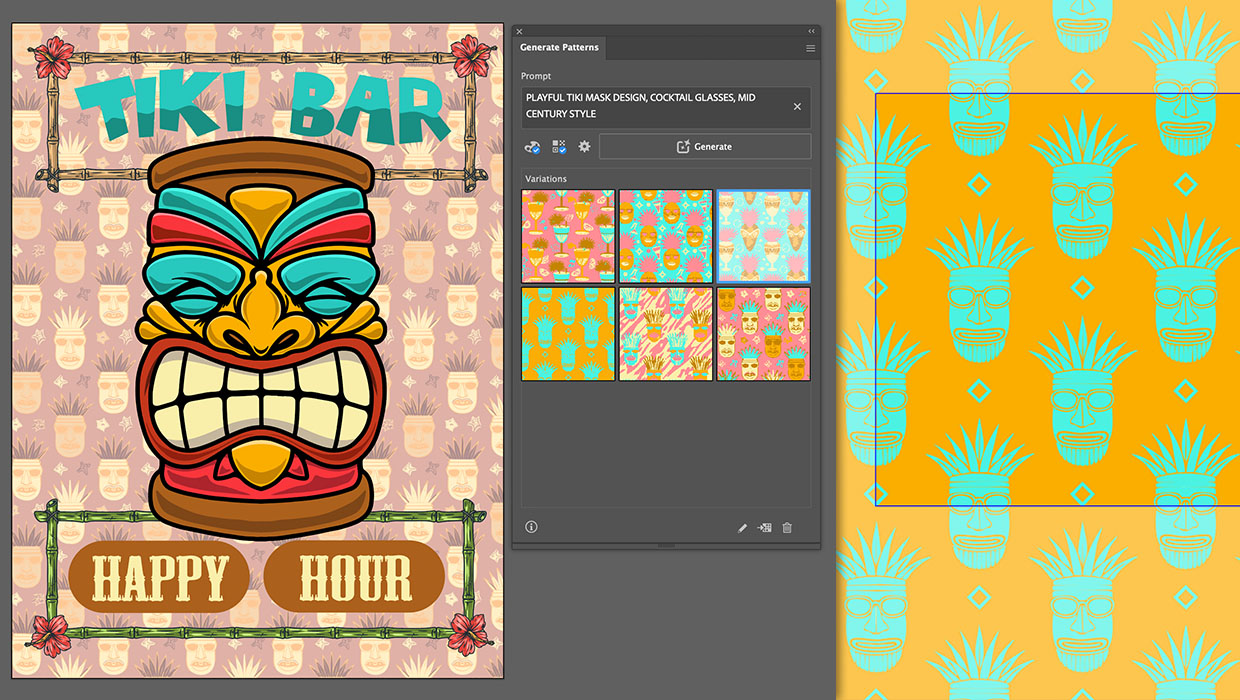
Generating Vector Patterns in Illustrator
Making patterns from prompts opens up a whole new world of creative possibilitie...
How to Use Illustrator’s New Turntable Feature
Tilt and turn your artwork with the Turntable feature in the Illustrator Beta ap...

Generating Image Content with Reference Objects in Photoshop
Learn how to replace individual elements within an image using reference objects...