




In this video, Nick Brazzi shows how to use text-based video editing tools like those found in Descript, CapCut, and Premiere. He demonstrates how AI-generated transcripts let you quickly search, select, and delete dialogue directly from your timeline. Nick also highlights the best unique AI special features from each of these programs.
Subscribe to the CreativePro YouTube channel for more helpful design tips!
This article was last modified on October 23, 2026
This article was first published on August 4, 2026
Commenting is easier and faster when you're logged in!

Recommended for you

Free Webinar: Unlocking the Potential of AI in Video
Discover how AI in video can elevate your creative output while streamlining you...
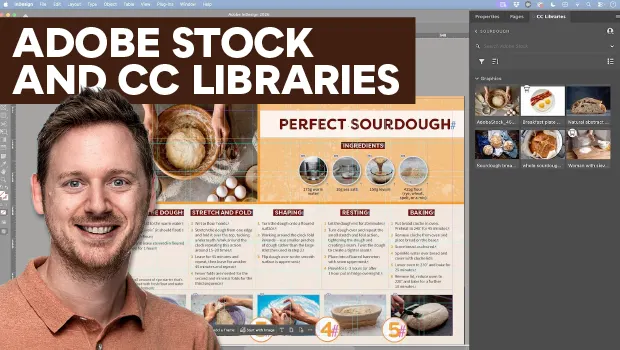
Find Adobe Stock Assets Without Leaving InDesign
Find Adobe Stock assets without ever leaving InDesign!

How to Remove People From Photos in Photoshop
Learn how easy it is to remove a person from a photo using Photoshop’s Remove To...