



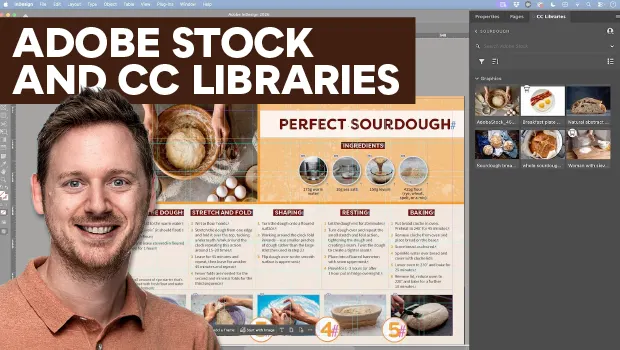
In this how-to video, Bart Van de Wiele shows how to integrate Adobe Stock assets into your layouts using Creative Cloud Libraries. First, he explains how to access free Adobe Stock images online and save them to custom CC libraries. Then, Bart demonstrates how to search for stock images inside InDesign’s library panel and use the Find Similar Images search feature.
Subscribe to the CreativePro YouTube channel for more helpful design tips!
This article was last modified on September 11, 2026
This article was first published on September 11, 2026
Commenting is easier and faster when you're logged in!

Recommended for you

Quick Wins: Handling Images in InDesign
Use these five resources to boost your image-handling skills in InDesign
Quick Wins: Adjusting Color in Photoshop
Use these five resources to get better at adjusting color in Photoshop