



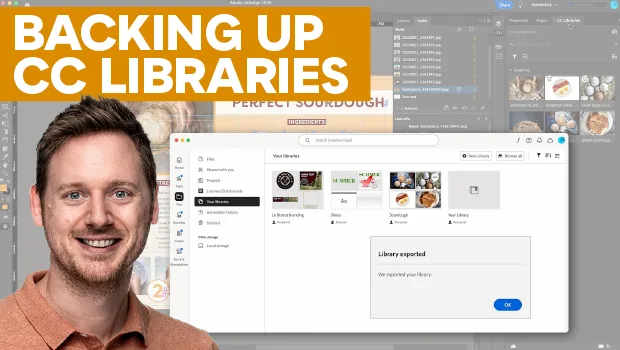
In this video, Bart Van de Wiele explains how to safely back up your Creative Cloud Libraries so you never lose linked images. First, he shows how to export a library into a single .cclibs backup file and how to include it with your InDesign, Illustrator, or Photoshop package. Then, Bart demonstrates how to restore the library when you need to reopen an archived document.
Subscribe to the CreativePro YouTube channel for more helpful design tips!
This article was last modified on October 23, 2026
This article was first published on October 23, 2026
Commenting is easier and faster when you're logged in!

Recommended for you
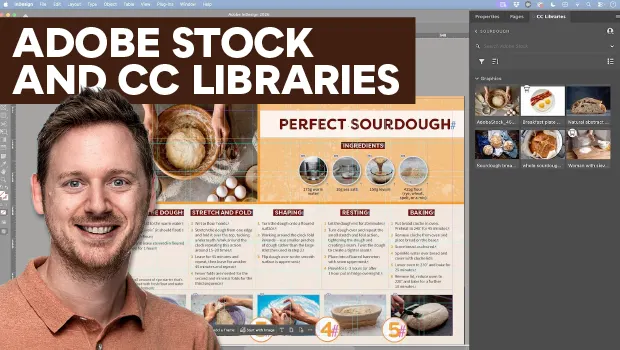
Find Adobe Stock Assets Without Leaving InDesign
Find Adobe Stock assets without ever leaving InDesign!
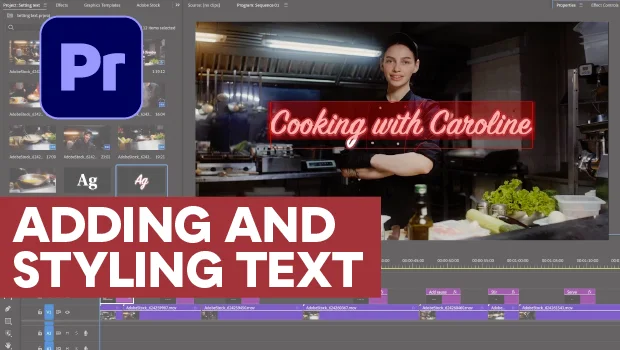
Adding and Styling Text in Premiere
Myra Ferguson covers text formatting and safe margins in Premiere.