


Illustrator Downloadable: Art Deco Borders and Brushes
Custom patterns and brushes to add a sleek and swanky style to your designs

This downloadable Illustrator file contains six custom pattern brushes and seven pattern swatches for creating swanky Art Deco designs.
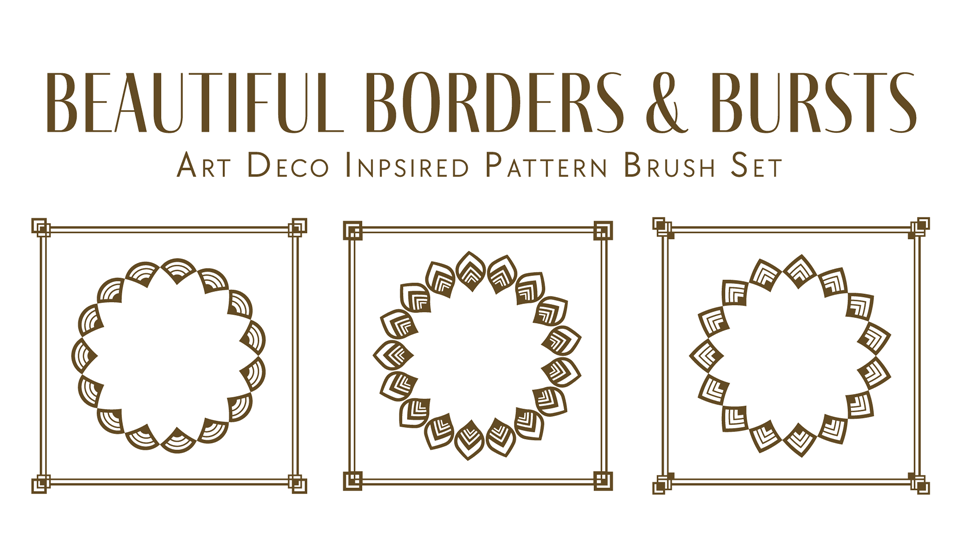
Want to use the patterns in Photoshop or InDesign? No problem! Open the file in Illustrator and add them to a Creative Cloud Library. Then, you can place them into Photoshop or InDesign files and scale them to any size with no loss of quality.
Learn How to Do it
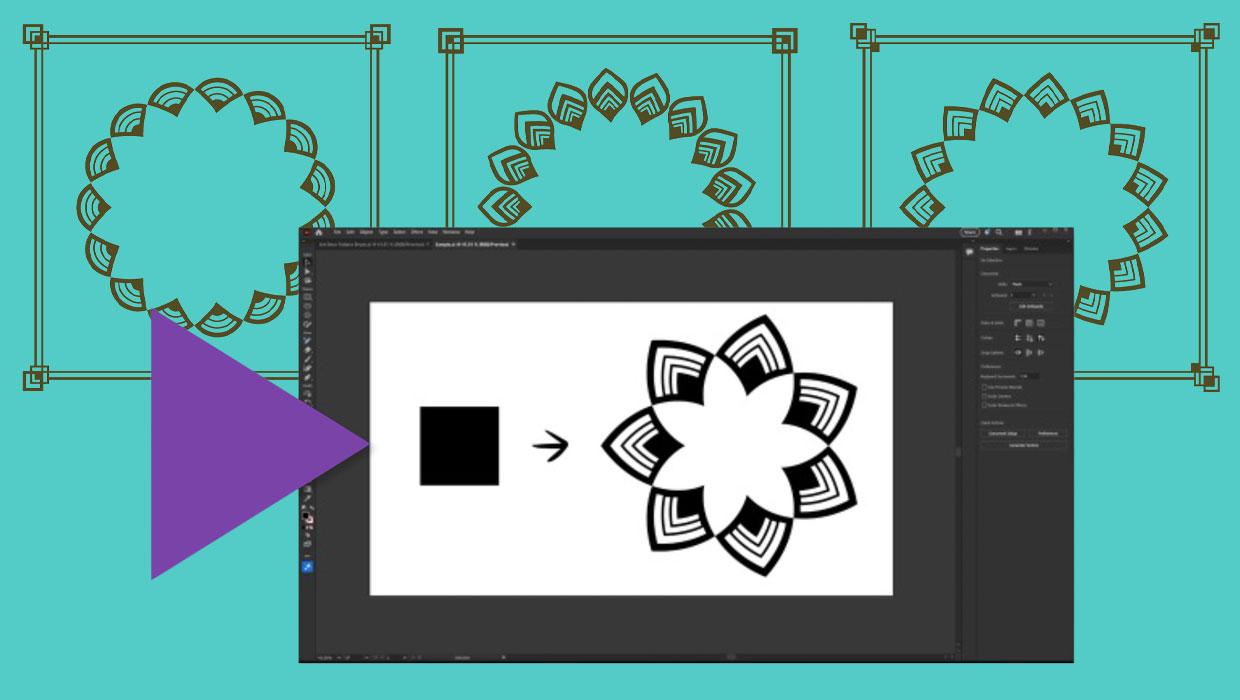
CreativePro members can also watch this video to learn the technique for making pattern bushes like these in Illustrator.
Commenting is easier and faster when you're logged in!

Recommended for you

How to Create Better Block Shadows in Illustrator
Learn a better way to create the most efficient long block shadows in Illustrato...

Using Illustrator’s Paintbrush Tool
Go beyond simple paths and transform your artwork with this powerful tool

Adobe Unleashes Creative Cloud 2015
This week (June 15) Adobe unleashed the latest version of Creative Cloud: Adobe...