



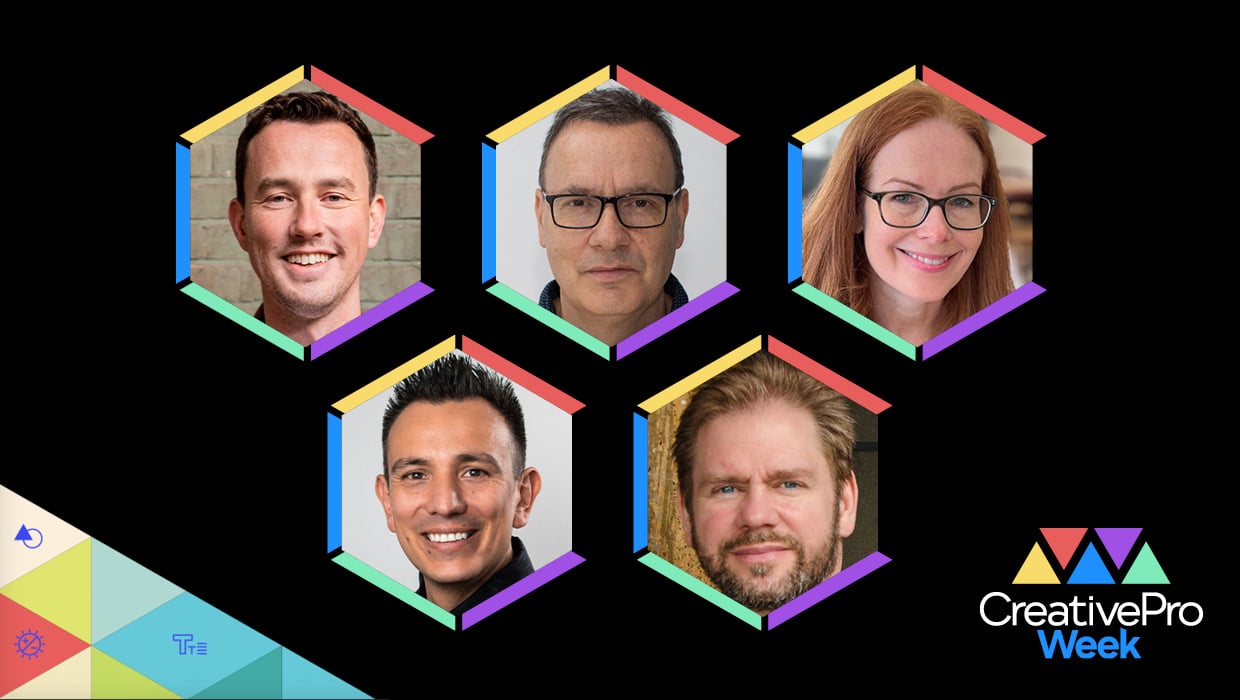
Photoshop and Illustrator have been a dynamic duo at the core of professional design workflows for decades. But these powerhouse programs are always evolving, and yesterday’s best practices have been replaced by new tools and techniques that are easier and faster than ever. If you want to save time and get better results with photos and illustrations, these five sessions at CreativePro Week 2026 are just the ticket.
Hidden Photoshop Features Designers Love

Photoshop is such a deep program that even us old, er, seasoned pros can overlook the buried tools and obscure preferences that would make our lives easier. This session will reveal the “secret” features that can streamline repetitive tasks and solve common design problems. I know it will be packed with practical advice, nifty shortcuts, and transformative techniques. And Jesús’s brilliant teaching style makes it all crystal clear.
Photoshop and Illustrator: Playing Nice Together

Ideally, the transition between vector and raster environments would be seamless. Alas, we live in an imperfect world where mixing pixels and paths can leave a taste in your mouth like orange juice and toothpaste. In this session, Nigel will demonstrate the most efficient ways to move assets between programs without losing editability or quality, using Smart Objects, Creative Cloud Libraries, and clever copy-paste techniques.
Mastering Masking in Lightroom & Camera Raw

I never thought making selections in Photoshop was very much fun. It had an “eat your vegetables before you can have dessert” vibe. Now, thanks to AI-powered features that can isolate subjects for us with surgical accuracy (and non-destructively), we can skip right to the dessert of enhancing, compositing, and outputting great images. And there’s no one more qualified to teach you how to get professional-grade results than Ben.
Illustrator Power Techniques

When you think of working in Illustrator, do you feel excitement or dread? For some designers I know, Illustrator work is something they just “get through,” hoping they won’t have to reach for the Pen tool. If you suffer from this form of Vectorphobia, Laura Coyle’s got the cure: a fun session full of tips on the most useful Illustrator features and third-party add-ons. She’ll also show how to use settings, shortcuts, and automation to save time and toil. You’ll walk away ready to have less frustration, and more fun in Illustrator.
Beyond Compositing: Creative Workflows Powered by AI

I swear I’m not contractually obligated to include a Rob de Winter session in every “Editor’s Picks” post; it just works out that way. And that’s because I think he has the best grasp on how to use AI tools the right way. There’s no empty hype or “magical” demos that you can never replicate yourself. Rob offers practical solutions that yield professional-quality results and (maybe most importantly) that help you retain the joy that made you choose a creative career in the first place.
A Picture-Perfect Show
These five sessions are just a small sample of what’s in store for CreativePro Week attendees. With over 70 sessions on InDesign, Photoshop, Illustrator, Acrobat, PowerPoint, and more, it will be an unforgettable week of learning and connecting for everyone. I hope you can join us in Nashville or online.
CreativePro members: Don’t forget to use your discount code found on the Member Benefits page!
This article was last modified on April 20, 2026
This article was first published on April 20, 2026
Commenting is easier and faster when you're logged in!

Recommended for you
CreativePro Week 2026 Preview: 6 Auspicious AI Sessions
Six sessions to help you put artificial intelligence to genuinely intelligent us...
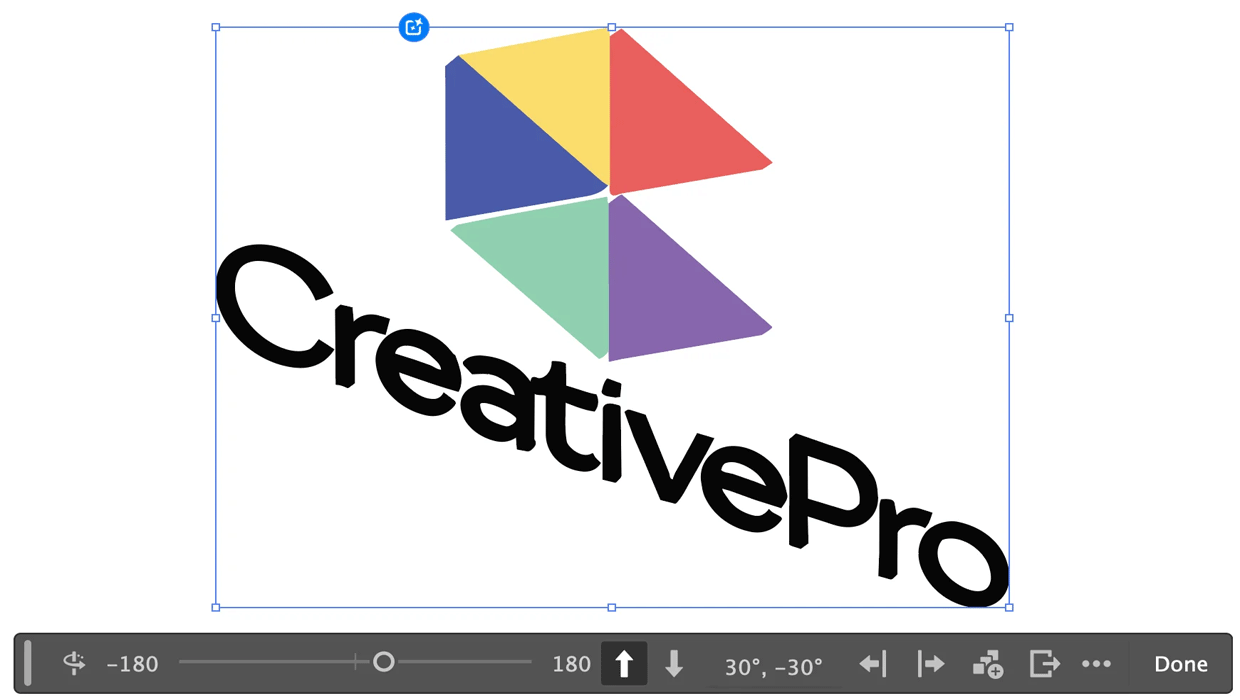
Rotating Objects in Illustrator Using Turntable
Generate vector objects from a variety of angles with the help of AI
CreativePro Week 2026 Preview: 5 Indispensable InDesign Sessions
Five sessions InDesign users can't afford to miss