




In this CreativePro Week sneak peek video, Jason Hoppe de-mystifies Illustrator’s Draw Inside. This handy feature allows you to create objects that are automatically masked by an object while you work. Jason shows how to add shading to an illustration by drawing inside each selected object with a gradient and other vector shapes.
This video is a preview of Jason’s session at our upcoming CreativePro Week Conference. See the agenda and register now!
Subscribe to the CreativePro YouTube channel for more helpful design tips!
This article was last modified on August 29, 2025
This article was first published on April 18, 2025
Commenting is easier and faster when you're logged in!

Recommended for you

How to Customize Vector Stock Artwork in Illustrator
Transform pre-made art into a rich illustration that will delight your clients.

CreativePro Conference Speaker Spotlight: Sharon Steuer, the Zen Artist
Welcome to our new series of posts called Speaker Spotlight, designed to highlig...
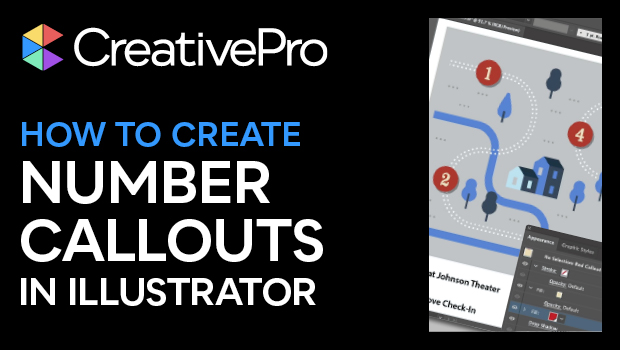
How to Create Number Callouts in Illustrator
Learn how to create and quickly apply number callouts in Illustrator through the...