



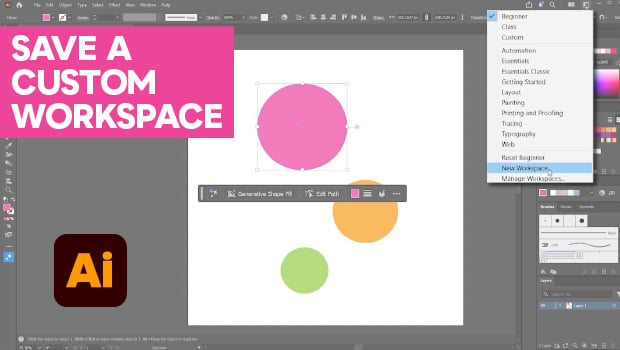
In this Illustrator how-to video, Kat Kremser shares tips for setting up a custom workspace perfect for beginners. She explains where to find the different preset options and how to clean up your workspace when it gets cluttered. Finally, Kat explains how to drag, dock, and hide individual panels before saving your new workspace.
Subscribe to the CreativePro YouTube channel for more helpful design tips!
This article was last modified on June 12, 2026
This article was first published on June 5, 2026
Commenting is easier and faster when you're logged in!

Recommended for you

Designing with Maps
Deploy the science (and art) of mapmaking in your designs with the help of ArcGI...

How to Fix SVG Images That Look Blurry in InDesign
How to edit code to improve the appearance of SVG images placed in InDesign.
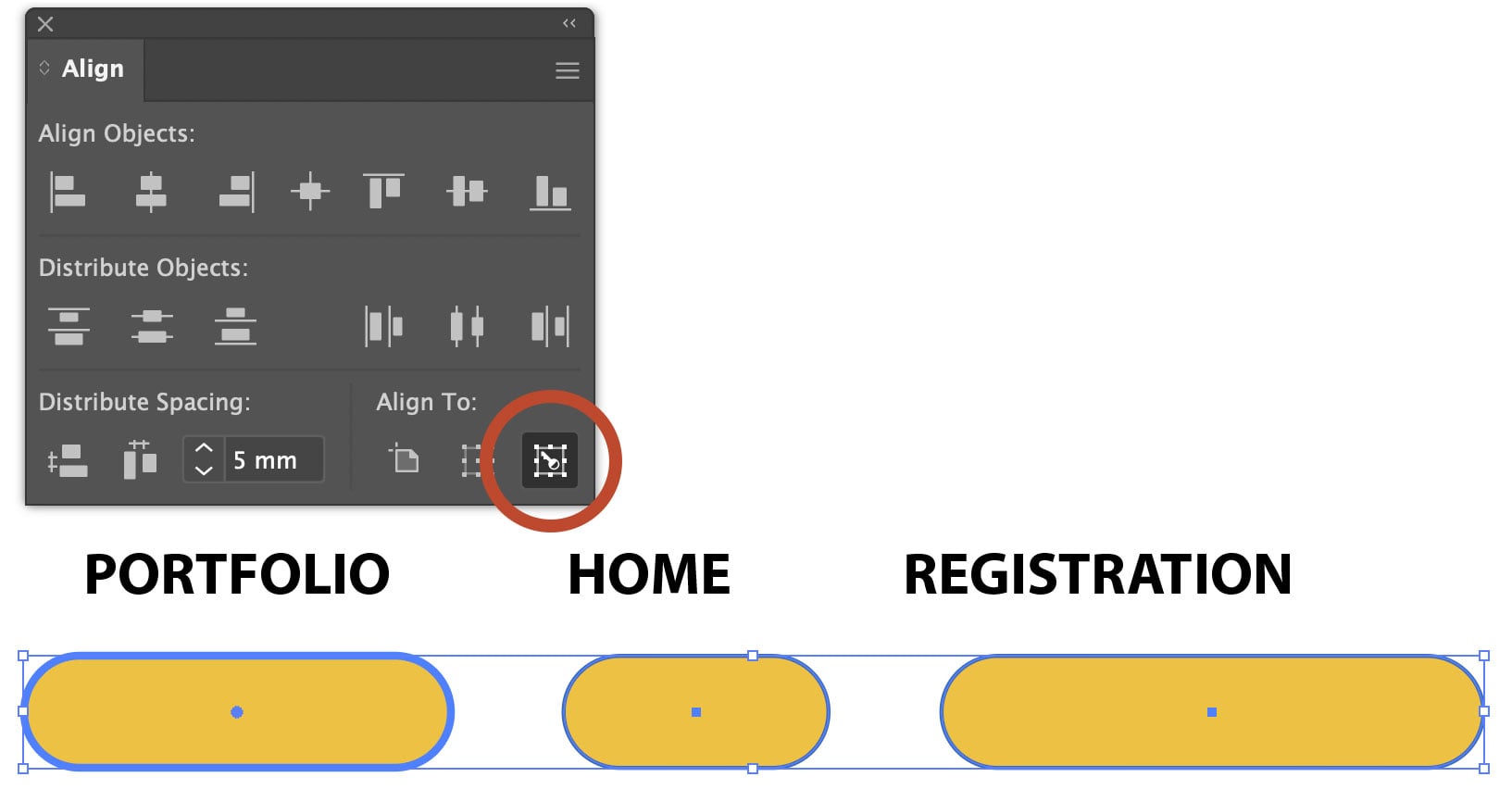
Using Align to Key Object in Illustrator
The Align panel in Adobe Illustrator is a quick and easy way to align or distrib...