



This article appears in Issue 54 of CreativePro Magazine.
Chad Chelius is your guide to creating a great InDesign template to help you work faster, smarter, and more efficiently.
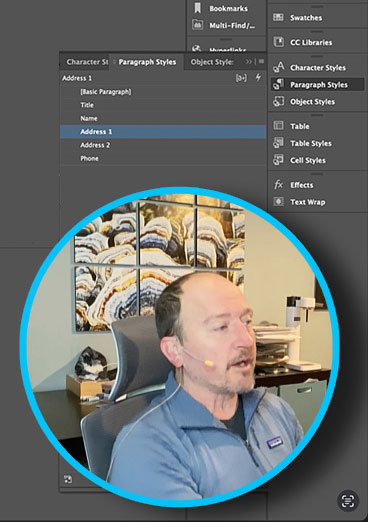
In the video, he demonstrates:
- Setting page size, margins, and columns
- Building Parent Pages
- Importing and editing styles and swatches
- Flowing text with Primary Text Frames
- Automatically adding and removing pages with Smart Text Reflow
- Automating text with Text Variables
- And more!
Commenting is easier and faster when you're logged in!

Recommended for you

Illustrator Downloadable: Frosted Flakes and Frames
Use this Illustrator file to add a snowy touch to your artwork.

CreativePro Week Sneak Peek: How to Use Motion Graphic Templates in Premiere Pro
Learn how easy it is to find and implement motion graphic templates in your Prem...

How to Create a Template File in Photoshop
Learn how to speed up your Photoshop workflow by creating your own custom templa...