


Members-Only Video: Creating Artwork with Pattern Brushes in Illustrator
Learn how to build custom pattern brushes in Illustrator so you can apply complex, beautiful borders to your artwork with a single click.
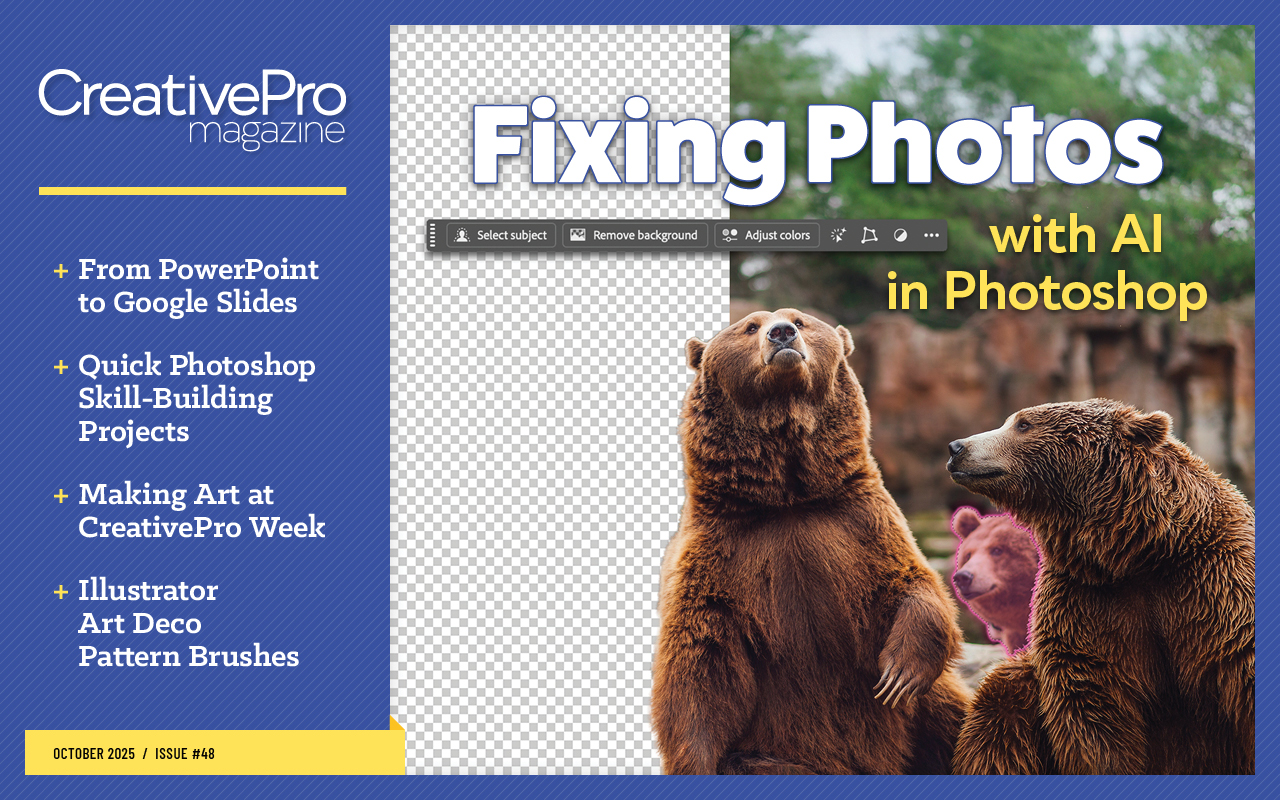
This article appears in Issue 48 of CreativePro Magazine.
Learn how to build custom pattern brushes in Illustrator so you can apply complex, beautiful borders to your artwork with a single click. Kat Kremser walks you through the process step by step, starting from a single, simple square and building up to a beautiful, reusable Art Deco style pattern brush.
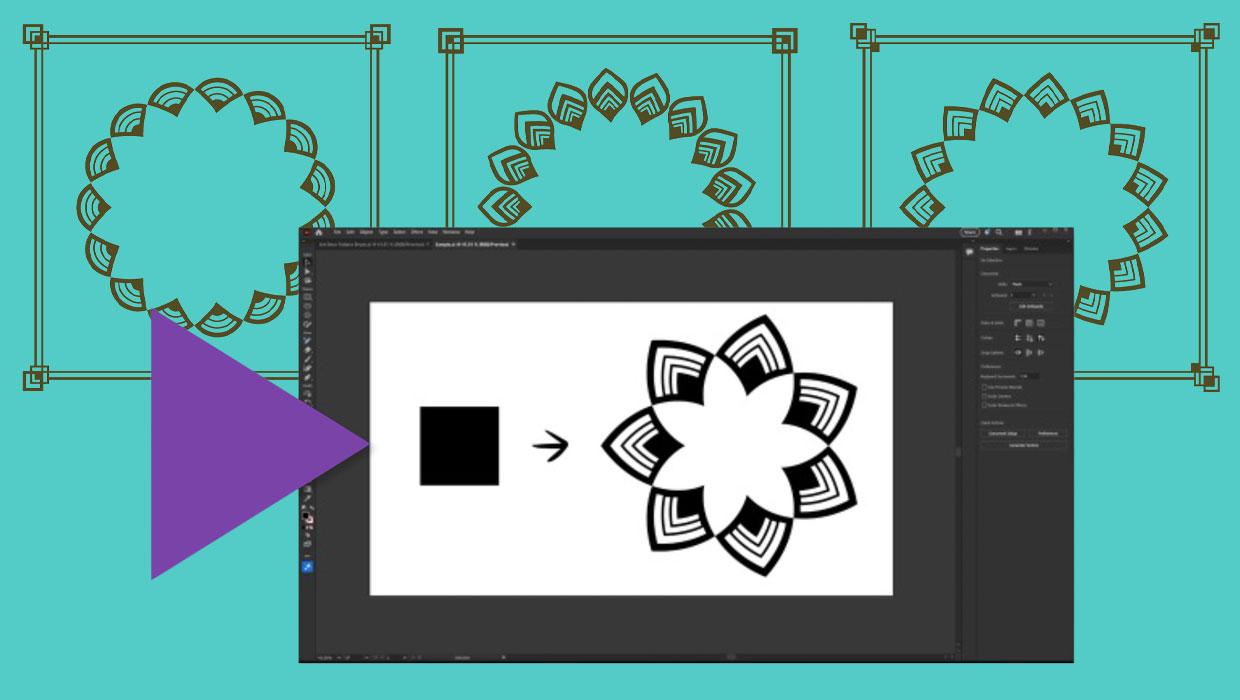
If you want to grab the finished files and start using them right away, see this post.
Click here to view a written tutorial on this technique.
Commenting is easier and faster when you're logged in!

Recommended for you
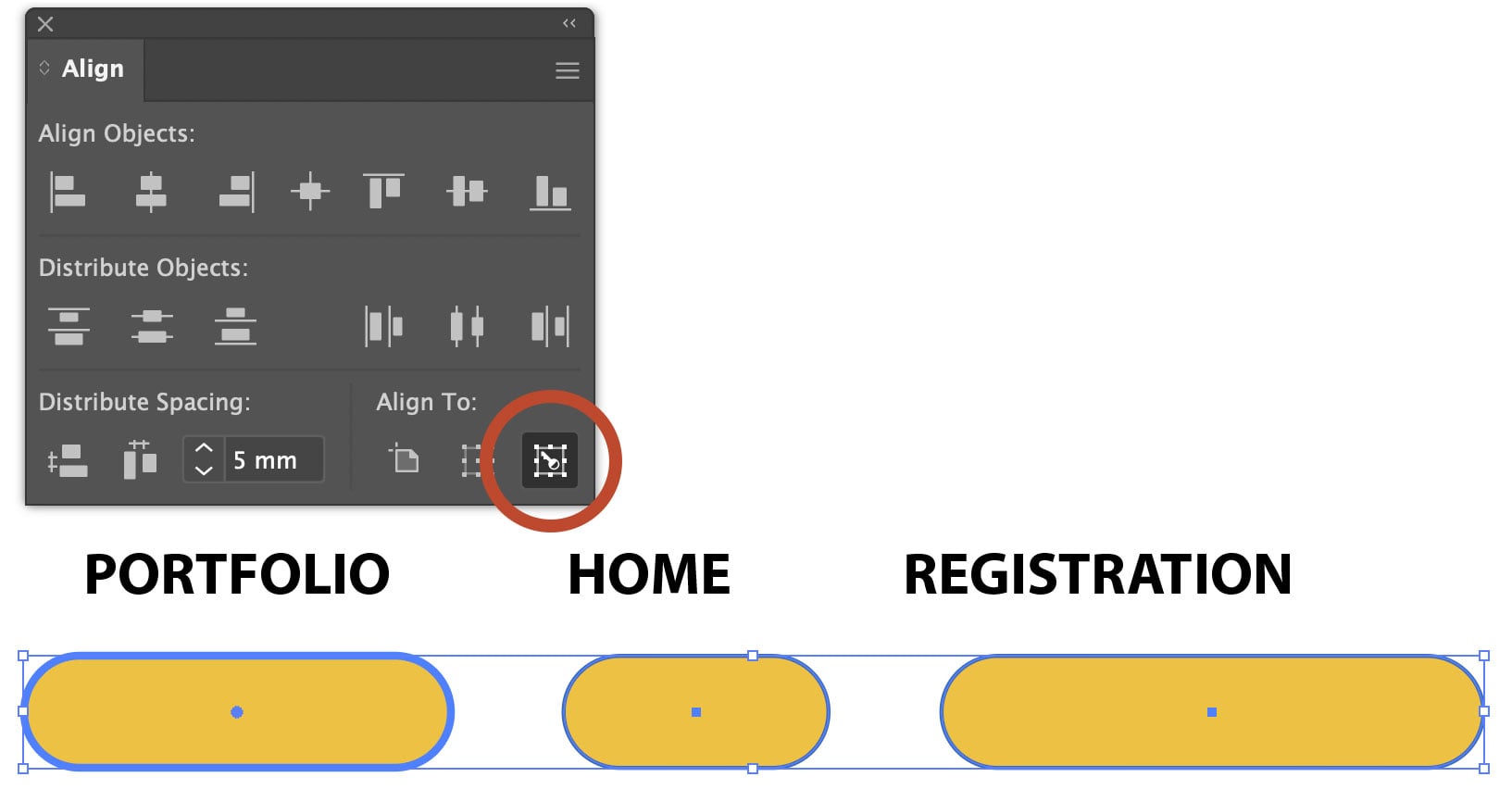
Using Align to Key Object in Illustrator
The Align panel in Adobe Illustrator is a quick and easy way to align or distrib...

Interview with Monika Gause, Print Designer and Illustrator Expert
Q&A with Monika Gause, who is presenting at the 2026 Design + AI Summit for Crea...
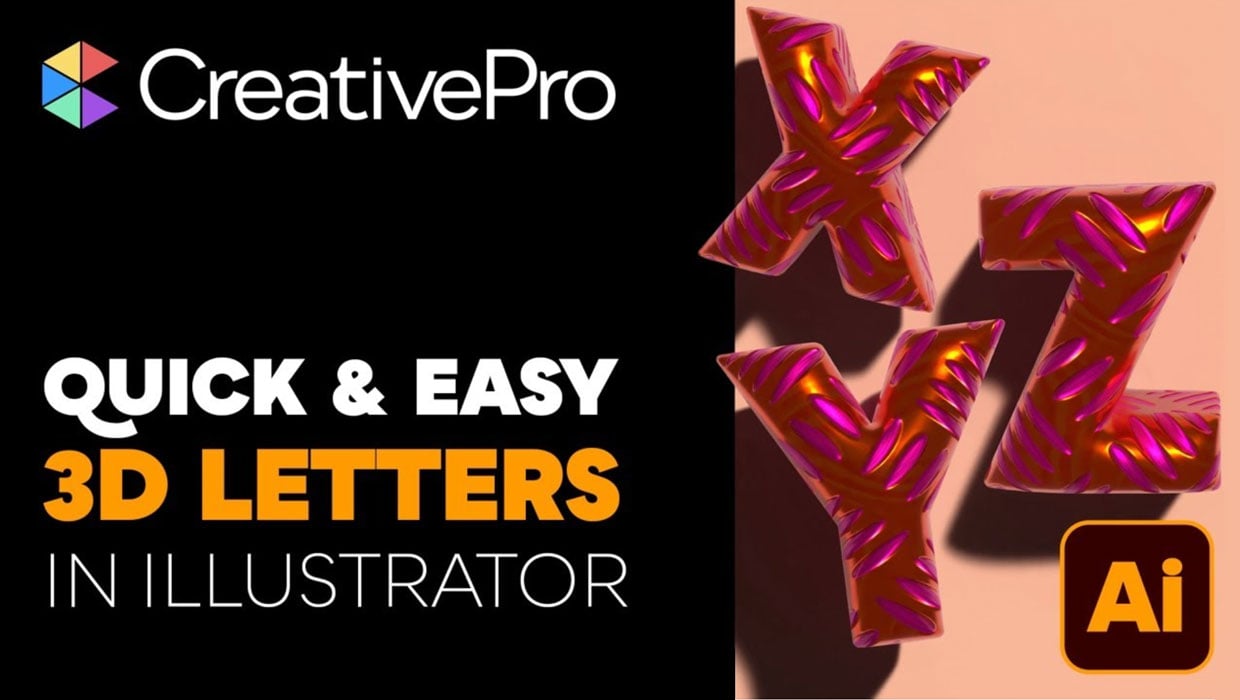
Livestream Video: Creating 3D Lettering Using Illustrator’s Inflate Tool
Join Khara Plicanic as she shows how to create stunning 3D lettering with Illust...