



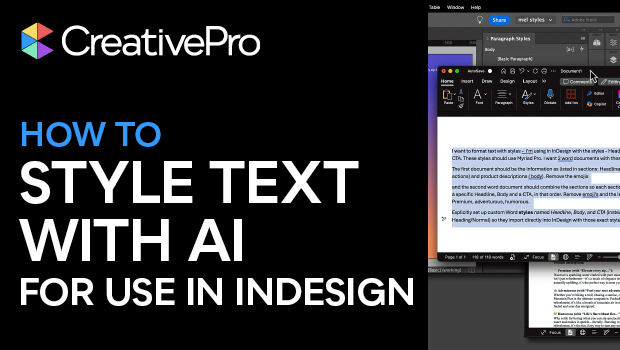
In this AI how-to video, Melissa Piccone demonstrates how to use ChatGPT to clean up messy Word documents, leaving you free to focus on design. She prompts ChatGPT to recreate her Word document of copy suggestions using custom Word styles that align with her InDesign Paragraph Styles. Then, she drops the text into InDesign, fixes any AI-generated errors, and her design is ready to go.
Subscribe to the CreativePro YouTube channel for more helpful design tips!
This article was last modified on February 20, 2026
This article was first published on October 2, 2025
Commenting is easier and faster when you're logged in!

Recommended for you

InDesign How-To: Set Default Paragraph Styles
In this InDesign how-to video, Colleen Gratzer shows how to set up several parag...

Five Ways to Tell Which Style is Applied to Text in InDesign
Know your options for determining which styles are applied to paragraphs or char...
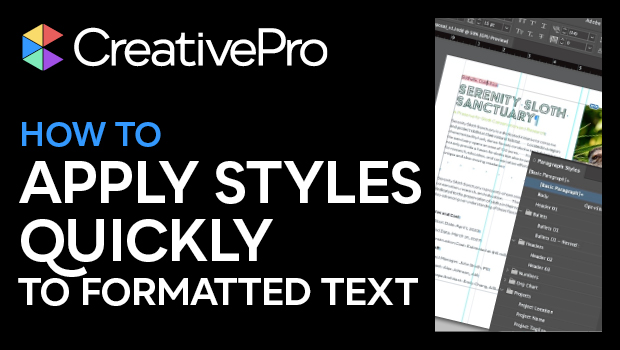
How to Apply Styles Quickly to Formatted Text in InDesign
Learn how to take InDesign text that has formatting already applied and assign s...