



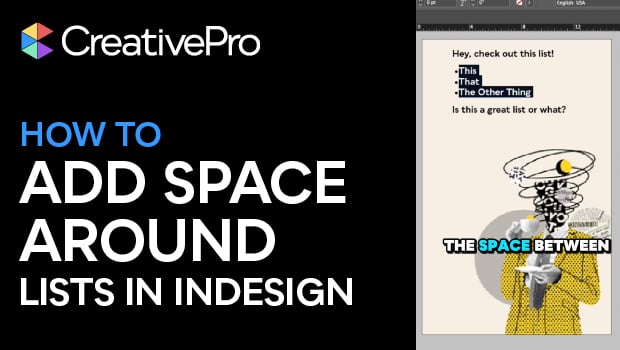
In this quick video, Khara Plicanic shows how to add space before and after a list, without creating multiple paragraph styles. With this simple InDesign fix, you can give your numbered or bulleted lists a little well-deserved breathing room.
Subscribe to the CreativePro YouTube channel for more helpful design tips!
This article was last modified on December 29, 2025
This article was first published on December 29, 2025
Commenting is easier and faster when you're logged in!

Recommended for you

Scripted Style Lists
Did you ever want a list of a document's paragraph styles where each style name...

10 Terrific Time Savers for InDesign
Life is busy. Work is hard. Use these tips to get more done faster.
Beware of local formatting and numbered lists
Using direct formatting with auto-numbered lists can change the appearance of th...