



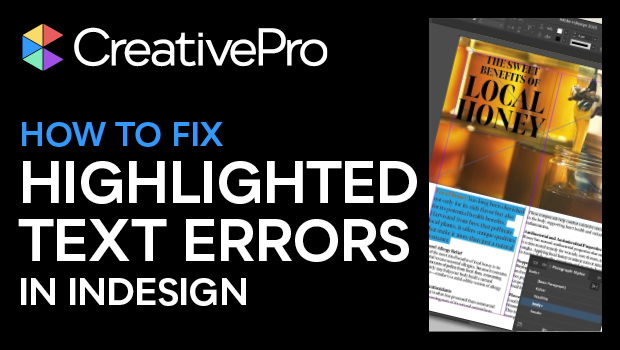
In this InDesign how-to video, Myra Ferguson explains why your text is highlighted in blue and what to do about it. Blue highlights are InDesign’s way to show that your local formatting is overriding a paragraph or character style. Whether you want to address the formatting conflict or simply toggle the highlight off, Myra’s got you covered.
Subscribe to the CreativePro YouTube channel for more helpful design tips!
This article was last modified on October 14, 2025
This article was first published on August 19, 2025
Commenting is easier and faster when you're logged in!

Recommended for you

How to Make Alternate Text Styles in Microsoft Word
Working in Microsoft Word? Shawn Jordison shows you how to spruce up your docume...

Editor’s Picks for The InDesign Conference 2025
Our Editor in Chief lists his must-see sessions for the InDesign Conference 2025...
How to Style Text with AI for Use in InDesign
Have ChatGPT handle your Word document text formatting so you can focus on desig...