



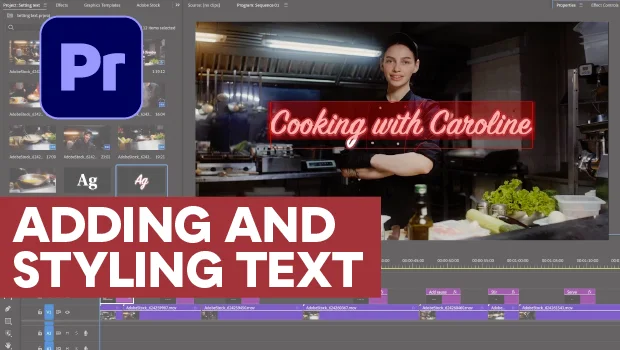
In this Premiere how-to video, Myra Ferguson walks you through making your video’s text look good. She starts with the basics, creating her text with the Type tool and adjusting its characteristics using the Properties panel. Then she demonstrates how to save and reuse your text styles, as well as how to make sure your text stays in frame.
Subscribe to the CreativePro YouTube channel for more helpful design tips!
This article was last modified on September 25, 2026
This article was first published on September 25, 2026
Commenting is easier and faster when you're logged in!

Recommended for you

Getting Started with GREP Styles in InDesign
Harness the power of GREP styles to apply automated styling in your work
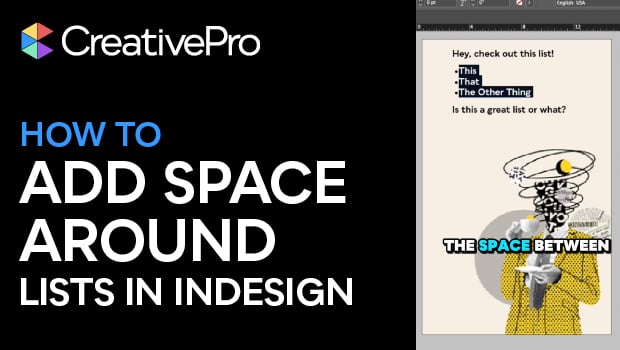
Create Space Around a List in InDesign
Add extra space around a list, without creating multiple paragraph styles!
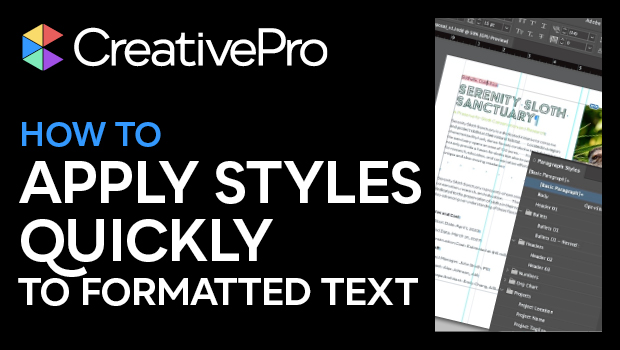
How to Apply Styles Quickly to Formatted Text in InDesign
Learn how to take InDesign text that has formatting already applied and assign s...