



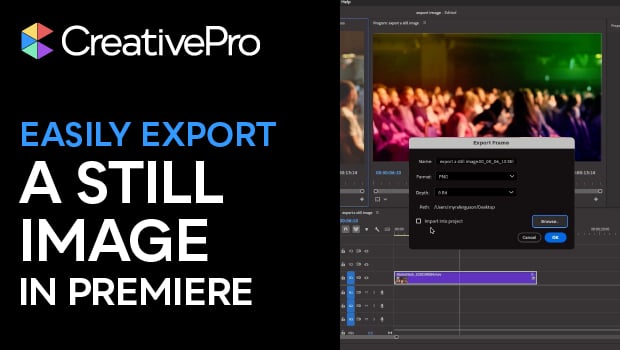
In this Premiere how-to video, Myra Ferguson shows how to capture a still image from a video clip. She explains how to open your video as a sequence and navigate to a specific frame using the timeline. Then, Myra demonstrates two different pathways to export the frame as an image.
Subscribe to the CreativePro YouTube channel for more helpful design tips!
This article was last modified on April 14, 2026
This article was first published on April 14, 2026
Commenting is easier and faster when you're logged in!

Recommended for you
How to Make Motion Look Realistic in Premiere
Create a convincing animation in Premiere using the Transform effect.

Closed Captioning in Premiere
Add captions to your Premiere video to ensure everyone benefits from its audio t...

Save and Export Photoshop Files Effectively
Save, Export, Generate… Photoshop gives you so many ways to save files. How do y...