


Work Week Projects: Get Get a Grip on Photoshop’s AI Tools
Five quick exercises to do while you're at work to get comfortable using the generative AI features in Photoshop
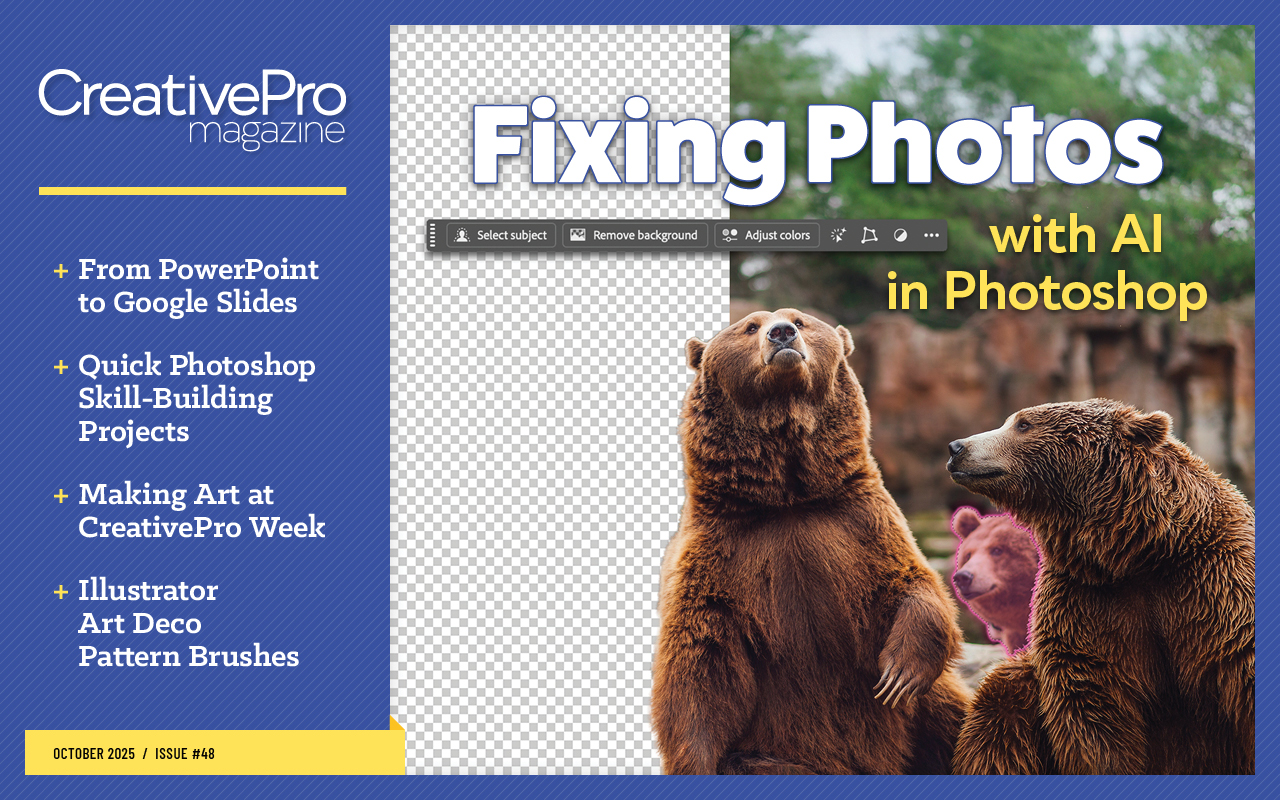
This article appears in Issue 48 of CreativePro Magazine.
Each of these activities should take no more than 5 to 10 minutes and can potentially save you much more time than that in the long run!
Monday
- Practice using the Remove tool.
Resource: Tidying Up a Photo with the Remove Tool in Photoshop
Tuesday
- Use cloud-based selections to speed up the removal of complex backgrounds.
Resource: Remove a Complex Background with One Click in Photoshop
Wednesday
- Learn how to quickly select various facial features, body parts, and clothing.
Resource: Select Body Parts and Clothing with One Click in Photoshop
Thursday
- Learn how to clean up dust and remove reflections.
Resource: Remove Dust and Reflections from Photos with Camera Raw and AI
Friday
- Learn how to get the best looking upscaled images.
Resource: Create High Quality Upscaled Images with AI in Photoshop
Commenting is easier and faster when you're logged in!

Recommended for you
Pop an Image Out of a Frame in Photoshop
Steve Caplin, the Photoshop wizard, brings a photograph to life!

Creating a Rust Effect in Photoshop
The trouble with clean signs is that they can sometimes a bit too clean, an...

Creating an Animated Christmas Banner in Photoshop
Learn how to make a simple banner that can display any text you like with subtle...