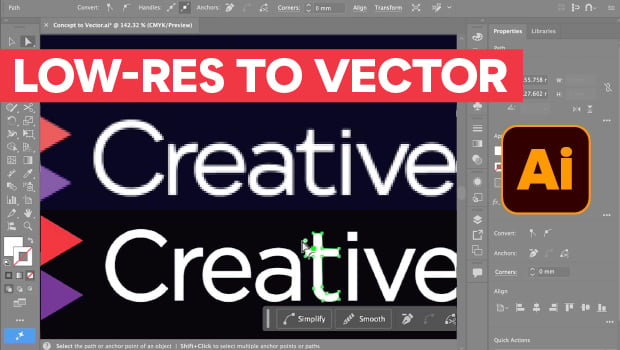
In this Illustrator how-to video, Steve Caplin shows how to upgrade a low resolution image using the new Concept2Vector tool. Concept2Vector generates its own prompts in its typical style, but Steve uses a custom prompt to create a simple vector image. Finally, he cleans up the generated result so it matches the original perfectly.
Subscribe to the CreativePro YouTube channel for more helpful design tips!
This article was last modified on July 17, 2026
This article was first published on July 17, 2026
Commenting is easier and faster when you're logged in!
Loading comments...

Recommended for you