



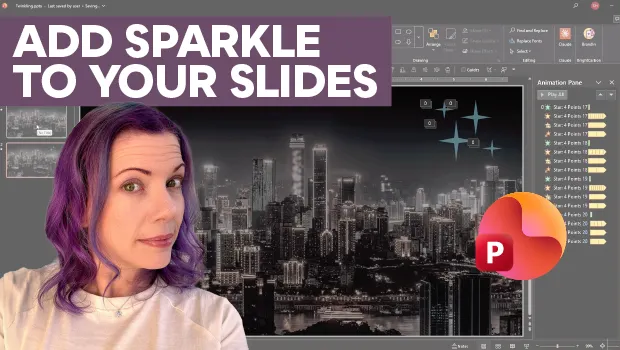
In this PowerPoint how-to video, Stephy Hogan creates a starry sky effect with twinkling animations. She starts by setting a shape’s fill to semi-transparent and then stacks four different animation to create the sparkle. Finally, she duplicates the star, varying the animation speeds and staggering the start times to complete her starry night.
Subscribe to the CreativePro YouTube channel for more helpful design tips!
This article was last modified on October 30, 2026
This article was first published on October 30, 2026
Commenting is easier and faster when you're logged in!

Recommended for you
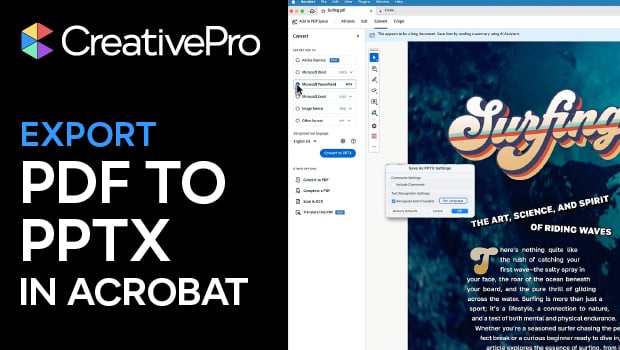
Export a PDF to a PowerPoint File from Acrobat
Editing your PDF file will be a breeze if you export it to PowerPoint, with Chad...

Quick Wins: Presentation Design Skills
Use these five resources to boost your presentation design and production skills

CreativePro Week 2026 Preview: 5 Game-Changing Motion and Video Sessions
Here are five great sessions that will "motivate" you to join us in Nashville