



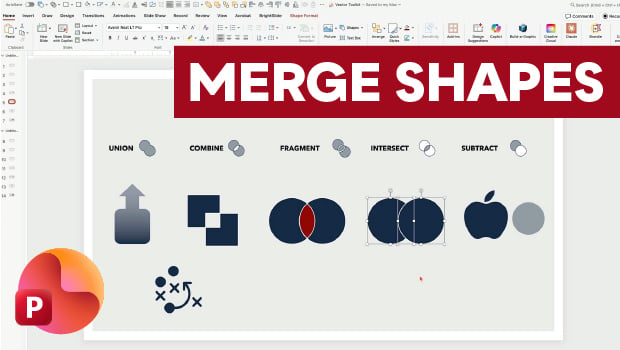
In this PowerPoint how-to video, Nolan Haims shows off Merge Shapes, one of the program’s most powerful tools. First, he demonstrates each of the tool’s five core functions: Union, Combine, Fragment, Intersect, and Subtract. Finally, Nolan shows how to apply these tools to live text and raster images.
Subscribe to the CreativePro YouTube channel for more helpful design tips!
This article was last modified on July 15, 2026
This article was first published on May 5, 2026
Commenting is easier and faster when you're logged in!

Recommended for you

Converting Shapes
Did you ever need to change the shape of an existing object in your layout?...

How to Customize the Quick Access Toolbar in PowerPoint
Ready to crank up your PowerPoint efficiency to 11? Customize the Quick Access T...

PowerPoint Add-Ins
By leveraging third-party add-ins, you can dramatically improve your workflow an...