



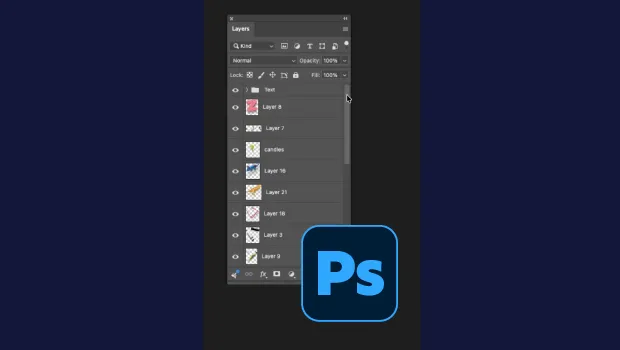
In this short Photoshop video, Khara Plicanic shows how to make your layer thumbnails easier to identify. With just one quick setting change you can see each layer’s actual contents at a glance.
Subscribe to the CreativePro YouTube channel for more helpful design tips!
This article was last modified on October 15, 2026
This article was first published on October 15, 2026
Commenting is easier and faster when you're logged in!

Recommended for you
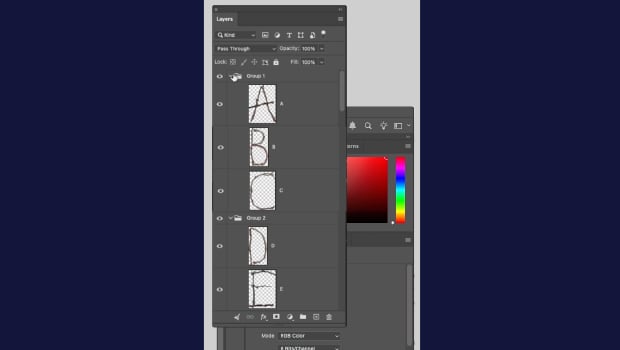
How to Collapse All Layer Groups in Photoshop
Khara Plicanic shows how to manage your layer groups in Photoshop with one quick...

Add Menu for InDesign’s Drawing Tools
InDesign's drawing tools are several mouse clicks away. A start-up script places...
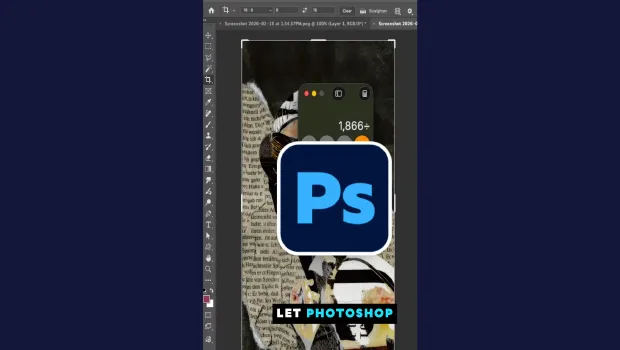
Don’t Sweat the Math—Let Photoshop Do It!
Let Photoshop—and other Adobe apps—do the math for you when entering numerical v...