




In this week’s CreativePro video, Jole Simmons shows how to stack multiple animations on an item in PowerPoint to create more complex movement. Creating animated GIFs from within PowerPoint’s and the built-in animation controls, he adds an extra bit of action to his slides.
New videos every other Tuesday on our CreativePro YouTube channel. Be sure to subscribe so you don’t miss any!
This article was last modified on August 29, 2025
This article was first published on June 10, 2020
Commenting is easier and faster when you're logged in!

Recommended for you
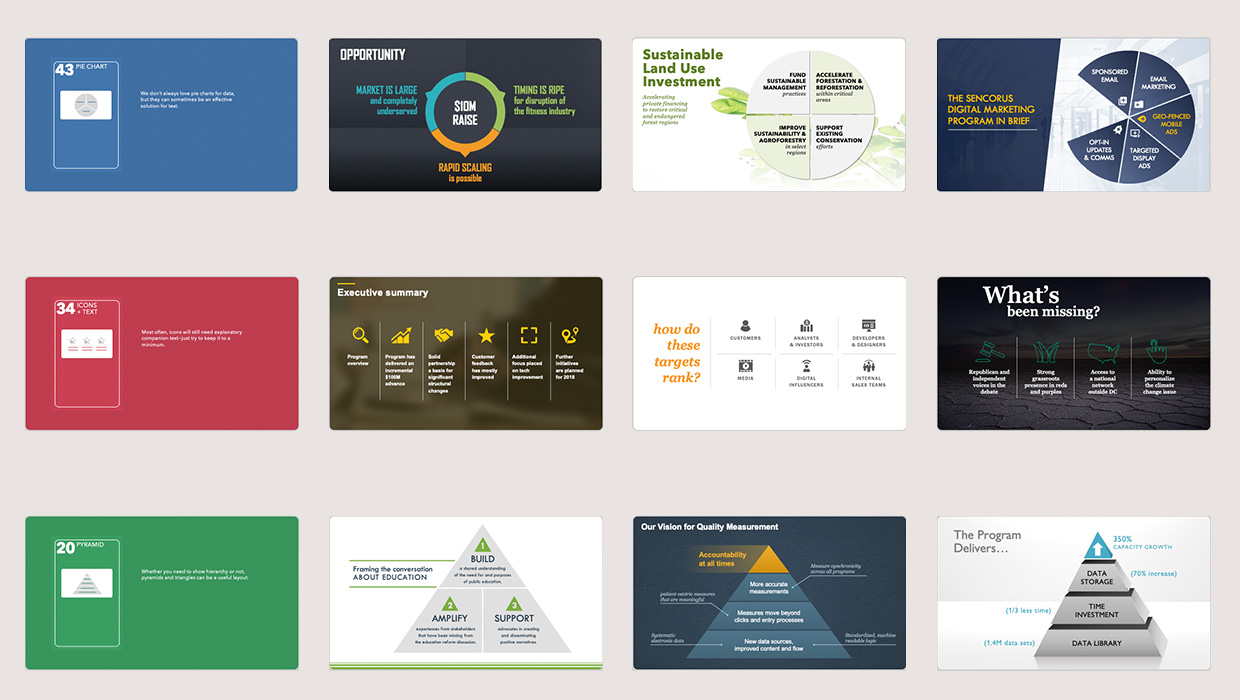
PowerPoint Template Pack from The Better Deck Deck
8 great slide designs to jumpstart your next presentation design project
How to Create Morph Transition FX in PowerPoint
Learn how to create dynamic transitions between slides or individual objects in...

Human vs. AI Slide Design
Blend AI's speed with human insight in your presentations with Jody Wissing.