



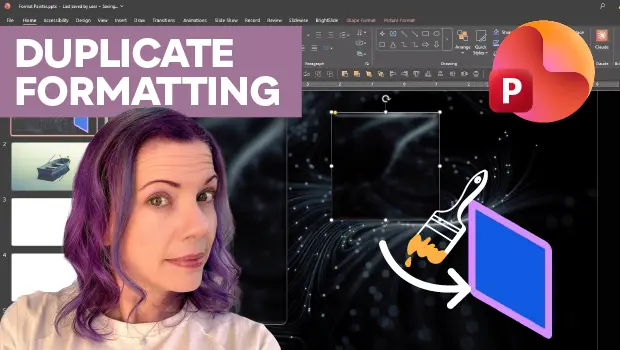
In this PowerPoint how-to video, Stephy Hogan shows how avoid wasting time manually applying complicated styles or animation sequences. She starts by demonstrating how the Format Painter tool allows you to copy and paste object or background formatting with just one click. Then, Stephy uses the Animation Painter to apply animation sequences the same way.
Subscribe to the CreativePro YouTube channel for more helpful design tips!
This article was last modified on August 28, 2026
This article was first published on August 28, 2026
Commenting is easier and faster when you're logged in!

Recommended for you
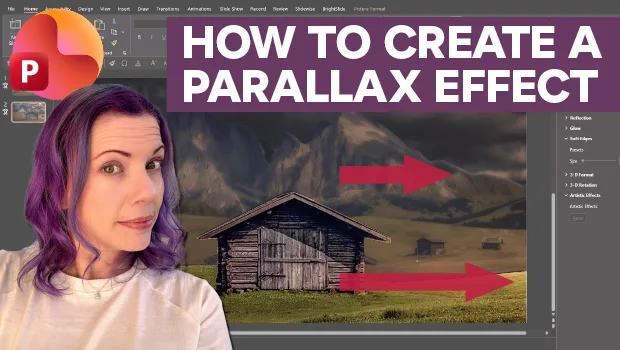
Create Parallax Transitions in PowerPoint
Create dramatic 3D scenes with Stephy Hogan using Morph.
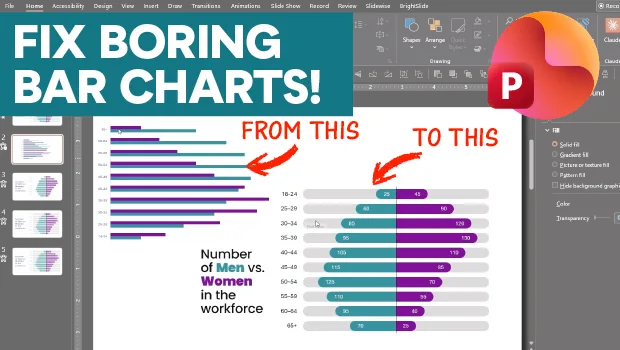
Making Beautiful Bar Charts in PowerPoint
This mirrored, clustered bar chart is sure to catch your eye!
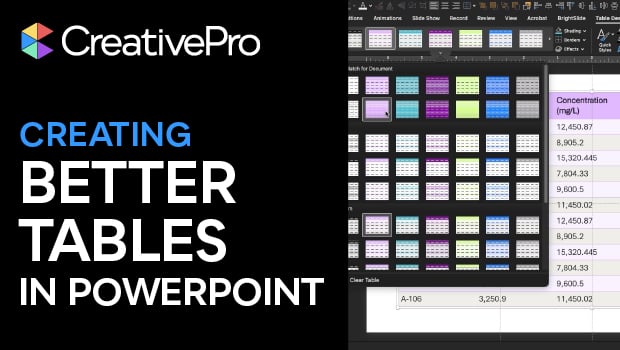
Tips for Creating Better Tables in PowerPoint
Making tabular data in PowerPoint look good can be challenging, but Stephy Hogan...