



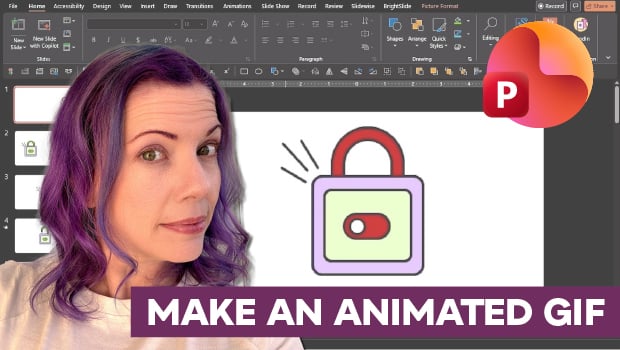
In this PowerPoint how-to video, Stephy Hogan demonstrates how to create a looping GIF. She starts by building an icon using the Merge Shapes tool before setting up the animation with the Morph transition. Finally, Stephy shows how to adjust the Custom Slide Size and export the project as an animated GIF.
Subscribe to the CreativePro YouTube channel for more helpful design tips!
This article was last modified on May 29, 2026
This article was first published on May 29, 2026
Commenting is easier and faster when you're logged in!

Recommended for you

Holiday FX: Animated Snow
In the comments for Holiday FX: Let It Snow! James Fritz mentioned that it would...

Convert Illustrator to PowerPoint & Keynote With Recosoft IR2Office
I saw some software at the CreativePro Week conference in New Orleans a couple o...

How to Convert Text to Outlines in PowerPoint
PowerPoint doesn’t make it easy to convert your live text to outlines, but Steph...