



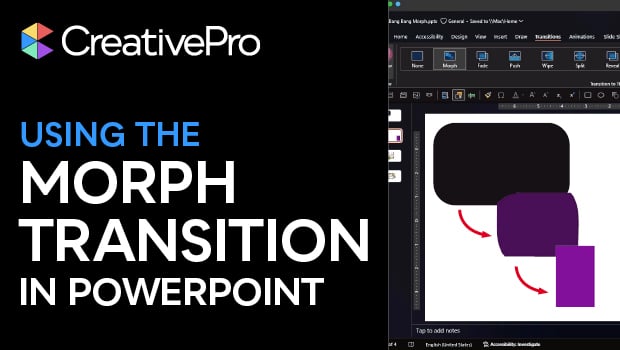
In this PowerPoint how-to video, Stephy Hogan teaches you a cool pseudo-animation effect. The Morph transition changes shapes or text smoothly from one slide to the next. Stephy shows you how to set up the transition, plus how to handle it when things get a little weird.
Subscribe to the CreativePro YouTube channel for more helpful design tips!
This article was last modified on February 10, 2026
This article was first published on February 10, 2026
Commenting is easier and faster when you're logged in!

Recommended for you

Top Tips from The Presentation Design Conference 2024
Our Editor in Chief lists his favorite tips from The Presentation Design Confere...
BrightSlide: The Essential Add-in for PowerPoint
Learn what you can do with this incredible free add-on for PowerPoint.

Human vs. AI Slide Design
Blend AI's speed with human insight in your presentations with Jody Wissing.