


Quick Wins: Presentation Design Skills
Use these five resources to boost your presentation design and production skills
This article appears in Issue 57 of CreativePro Magazine.
Using the Built-in Recording Tools in PowerPoint
Learn how to record your PowerPoint presentation so it can be played back later with video narration
Five Super Slide Makeover Techniques
Team up with the “Fantastic Five” to become a presentation design superhero
How to Create Attention-Grabbing Agenda Slides for Presentations
A step-by-step approach to grabbing your audience’s attention
Creating Kinetic Type in Keynote
Animate text in Keynote
Create a Liquid Glass Effect in PowerPoint
Create a blurred background effect
Commenting is easier and faster when you're logged in!

Recommended for you
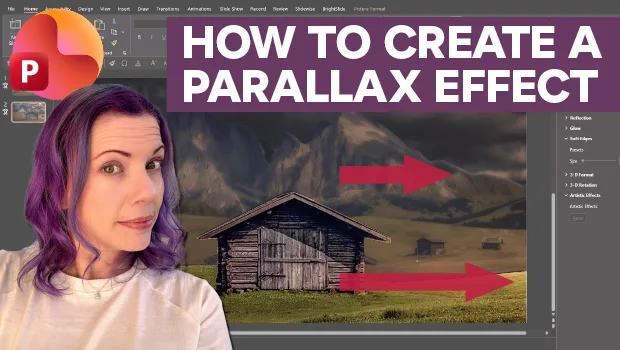
Create Parallax Transitions in PowerPoint
Create dramatic 3D scenes with Stephy Hogan using Morph.

Five Super Slide Makeover Techniques
Team up with the “Fantastic Five” to become a presentation design superhero.
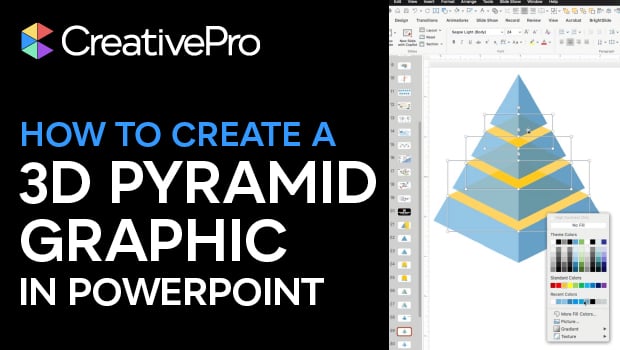
How to Create a 3D Pyramid Graphic in PowerPoint
Build a professional 3D pyramid graphic entirely in PowerPoint with Mike Parkins...