




In this presentation design video, Jody Wissing addresses the worst part of most presentations: the boring agenda slide! In this slide makeover, you’ll learn how to replace dull bullet-pointed agendas with story-driven slides that support your goals, speak to your objectives, and cast your vision. The secret? The best agenda slides don’t look anything like one.
Subscribe to the CreativePro YouTube channel for more helpful design tips!
This article was last modified on October 30, 2025
This article was first published on September 2, 2025
Commenting is easier and faster when you're logged in!

Recommended for you

How to Convert Text to Outlines in PowerPoint
PowerPoint doesn’t make it easy to convert your live text to outlines, but Steph...
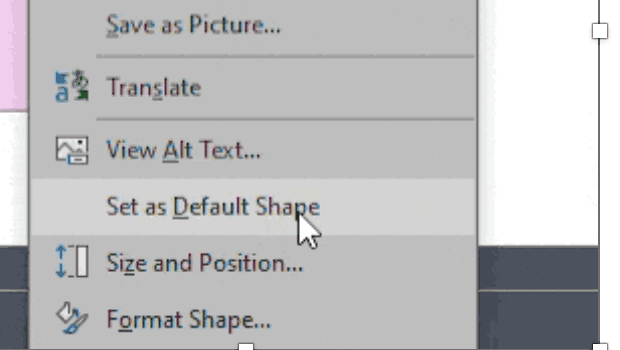
How to Set Default Shapes, Lines, and Text Box Styles in PowerPoint
One way to make working in PowerPoint smoother is to set default shapes, lines,...
How to Create Paragraph Styles in PowerPoint
There are no Paragraph Styles in PowerPoint… but with a little creativity with t...