



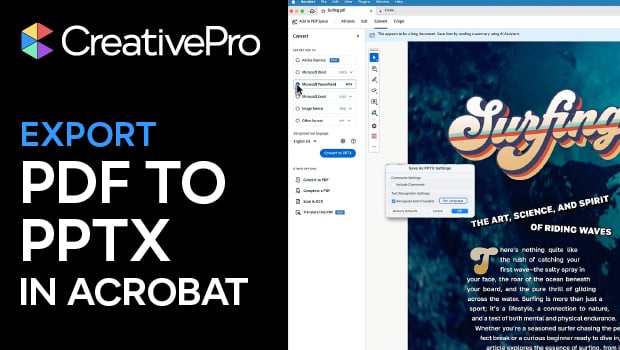
In this Acrobat how-to video, Chad Chelius shows you how to convert an existing PDF file into a PowerPoint presentation for easier editing. He walks through the export settings, including text recognition and how to set the document language. Finally, Chad demonstrates how to manage the exported file and offers tips for cleaning up fonts and layouts to match your original design.
Subscribe to the CreativePro YouTube channel for more helpful design tips!
This article was last modified on March 13, 2026
This article was first published on March 13, 2026
Commenting is easier and faster when you're logged in!

Recommended for you
From PowerPoint to InDesign
Learn your options for getting content out of presentations and into page layout...
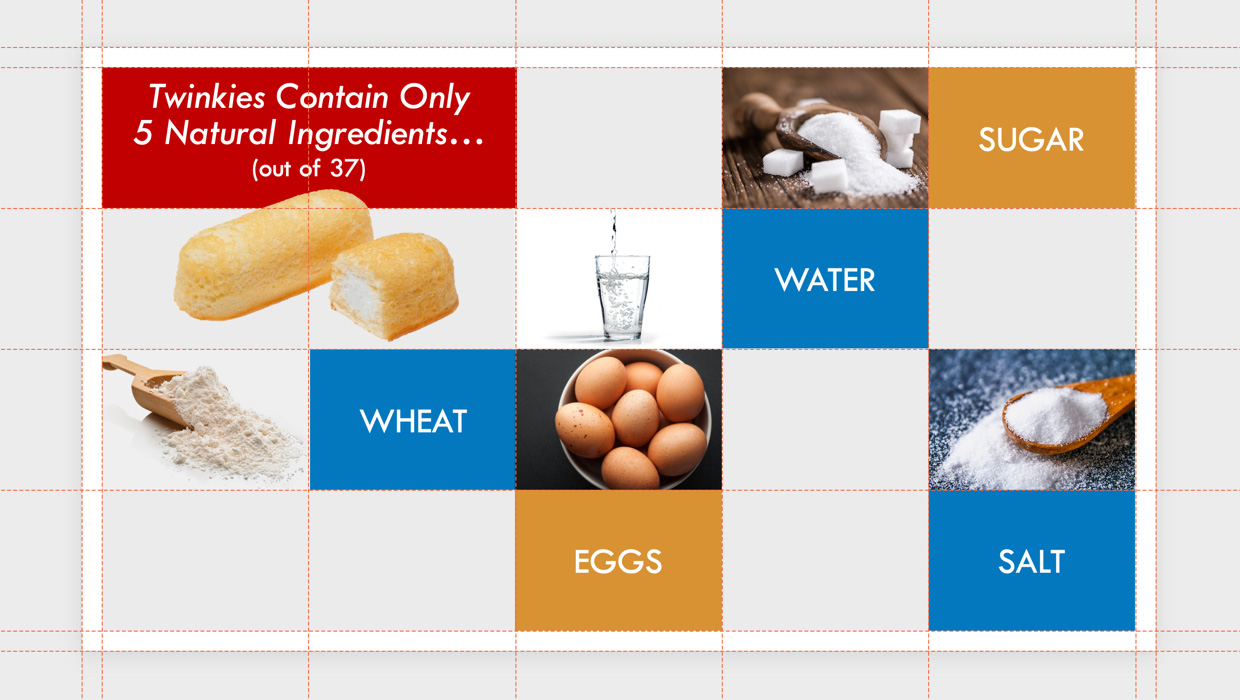
Setting Up a Design Grid in PowerPoint
How to use of a grid system in PowerPoint to add consistency and visual structur...

A Size Trap When Exporting JPGs for On-screen Use
My colleague recently alerted me to a strange behavior in InDesign when creating...