


Keynote: The Pro Design Powerhouse
- Keynote: The Pro Design Powerhouse
- 7 Reasons Why You Belong at the InDesign User Group
- How to Fix Missing Content Problems in Premiere
- Quick Wins: Presentation Design
- Snippets: Design news, inspiration, tips, and fun
July 2026

Letter from the Editor
Did you ever have the experience of learning about a hidden talent in someone you thought you knew well? During the office pizza party, you discover that your coworker Bob with the suspiciously large calves is a champion mountain biker. At a family reunion, your uncle Ray casually mentions how he once played banjo in a touring bluegrass band and offers to give you lessons. On your birthday, your neighbor Kerry gifts you one of the 37 prize-winning orchids she’s been quietly cultivating for many years.
I love those “wait, what?” moments where the world suddenly gets a little more interesting. They awaken your curiosity and inspire you to learn more—and do more with your own talents.
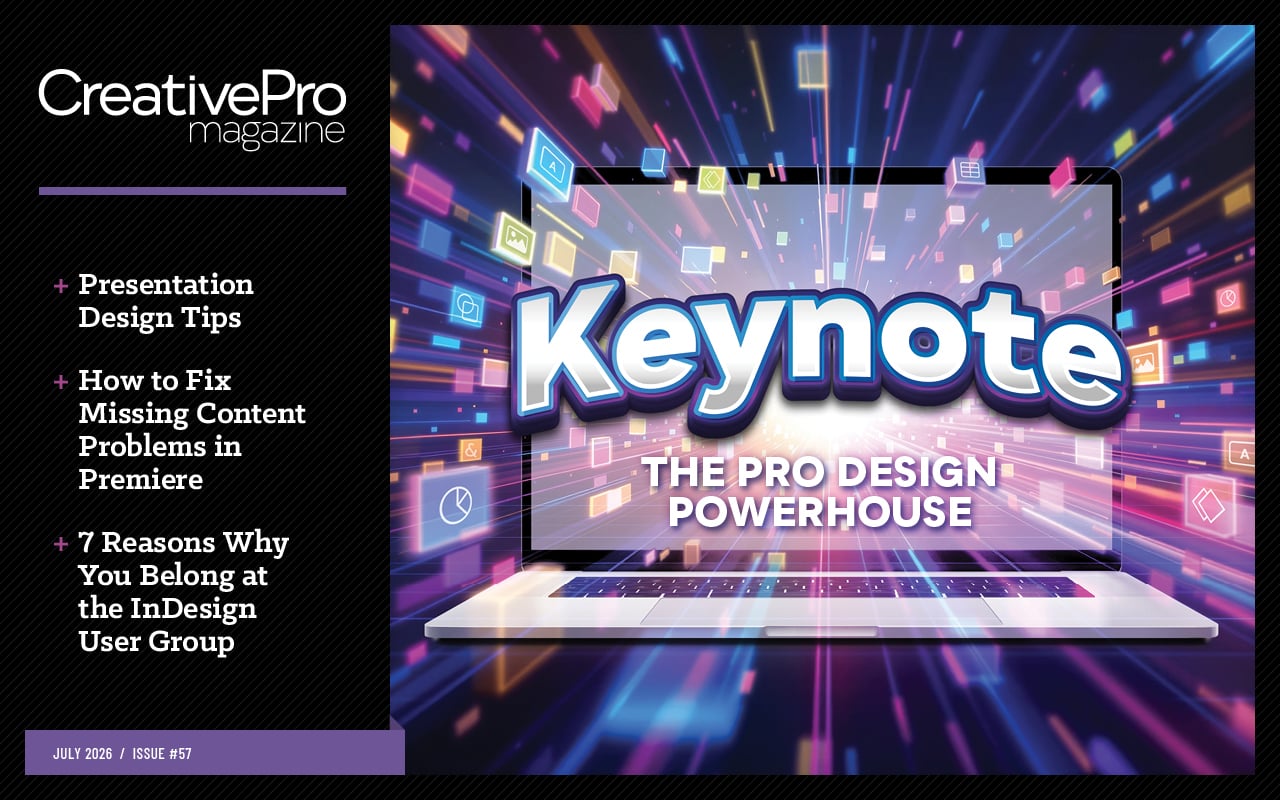
I hope that this month’s feature article will give you the same kind of joy. In it, Chris Converse reveals the amazing capabilities of Keynote that have been hiding in plain sight (well, in your Applications folder) all along.
Chris shows how to elevate your next creative project with elements such as:
Kinetic typography
Looping videos and animations
Interactive charts
Nondestructive image adjustments you’d expect to find in only apps like Photoshop
Broadcast-quality video with transparent elements
It’s all eye-opening stuff, and Chris’s explanations make it very approachable. Also, be on the lookout for a series of Keynote videos by Chris at the CreativePro YouTube channel. The first one, on the aforementioned kinetic typography, is out now.
Myra Ferguson continues her series of articles on Premiere, with a no-panic guide to handling missing media that might lower your blood pressure one day.
Next, David Blatner and I team up to list the 7 reasons you—yes, you—should be part of the InDesign User Group. For over 20 years, this group has been bringing InDesigners together, offering top-notch educational and networking opportunities—all free, thanks to the efforts of some incredibly generous volunteers. If you love nerding out about InDesign, these are your people.
Quick Wins has the goods to enhance your presentation design and production skills. The Community Calendar includes a webinar on batch processing images in Bridge and a YouTube livestream on using Photoshop for video (both by the incomparable Khara Plicanic). Snippets is packed with fun and useful stuff for designers. And check out our recent YouTube videos for essential tips and techniques for InDesign, Acrobat, Photoshop, PowerPoint, Premiere, and that new kid on the block, Affinity.

Recommended for you
Packaging Design
Packaging Design Review: Astute Manager Pro Premiere: It’s Not Just for Video! Q…
How to Be a Better Graphic Designer
How to Be a Better Graphic Designer: Think Like a Designer Members-Only Video: K…
Building Better InDesign Documents
Working with Parent Pages in InDesign Affinity for Photoshop Users Members-Only…