



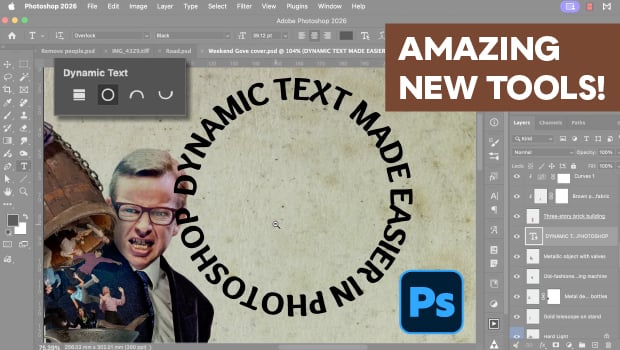
In this Photoshop how-to video, Steve Caplin explores the April 2026 update. Steve starts his new features tour with the updated Remove tool for finding and clearing distractions, plus a tip for using a layer mask to fine tune the details. He goes on to highlight the AI renaming feature in the Layer Cleanup menu, new dynamic text options for wrapping text around shapes, and finally, the impressive Rotate Objects tool.
Subscribe to the CreativePro YouTube channel for more helpful design tips!
This article was last modified on May 8, 2026
This article was first published on May 8, 2026
Commenting is easier and faster when you're logged in!

Recommended for you
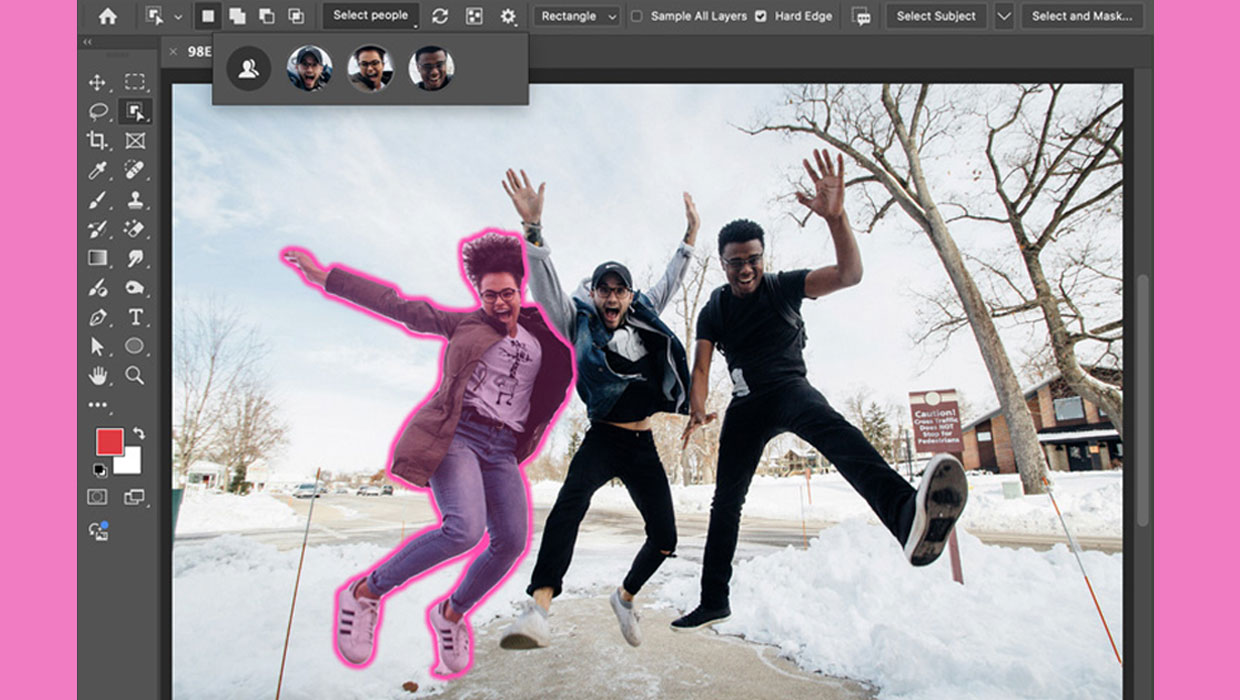
New Features in Photoshop 2025
New features in Photoshop 2025 including powerful new ways to select, mask, and...

60 Minutes…
An answer to the question: How do I create dots for all the minutes on a clock f...

InDesign New Features Guide Updated for CC 2018
While I haven’t had the chance to fully digest all the changes in the late...