



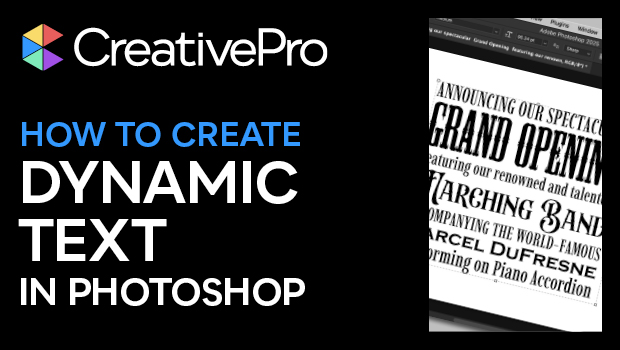
In this Photoshop how-to video, Steve Caplin unveils the new Dynamic Text feature. He demonstrates how clicking in a text container and pressing the Dynamic Text button quickly expands each line to fit. Steve then shows how you can control line breaks and adjust the container width to dial in the effect and balance you’re after.
Subscribe to the CreativePro YouTube channel for more helpful design tips!
This article was last modified on August 29, 2025
This article was first published on August 12, 2025
Commenting is easier and faster when you're logged in!

Recommended for you
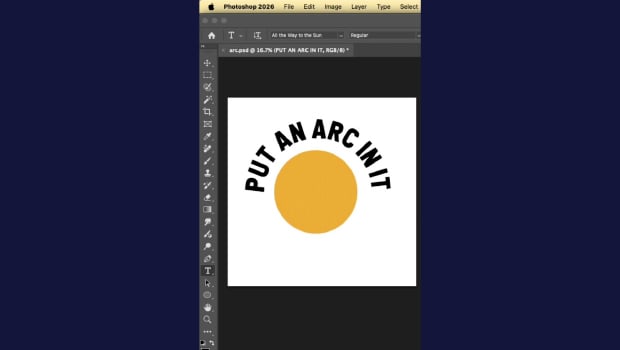
Quickly Create Text in an Arc or Circle in Photoshop
Khara Plicanic reveals new options in Photoshop for putting text in an arc or a...
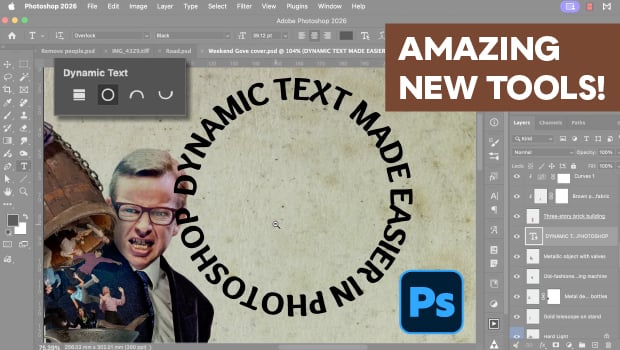
New Photoshop Tools in the Early 2026 Update
Steve Caplin gives a thorough tour of Photoshop's new April 2026 features!

Scanning Around with Gene: Take A Vacation in Paradise
When I was in fourth grade, each student was assigned one of the 50 states. Duri...