




In this InDesign how-to video, Nigel French demonstrates how to choose the right number styles for better typography and alignment. He explains the differences between old style and lining numbers, as well as proportional and tabular spacing. Finally, Nigel shows how to align numbers on decimal points in tables using paragraph styles.
This is just a taste of the great content you’ll learn in Nigel’s upcoming session at The InDesign Conference 2026, being held online December 1–4. See the agenda and sign up now.
Subscribe to the CreativePro YouTube channel for more helpful design tips!
This article was last modified on November 3, 2026
This article was first published on November 3, 2026
Commenting is easier and faster when you're logged in!

Recommended for you
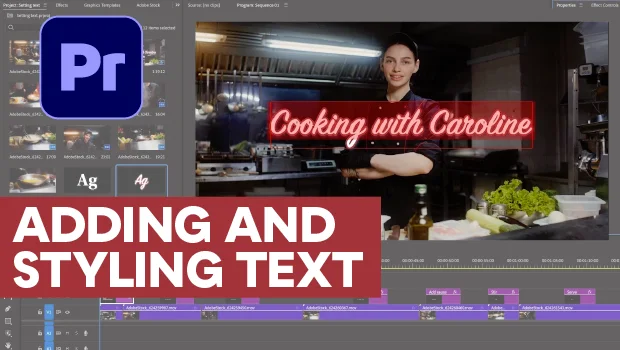
Adding and Styling Text in Premiere
Myra Ferguson covers text formatting and safe margins in Premiere.
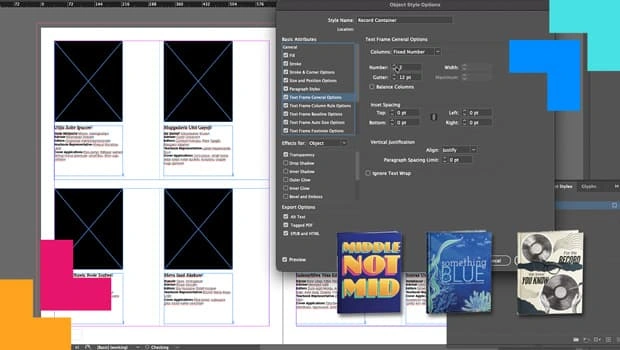
How Data Merge and Scripting Can Save the Day
Learn how InDesign’s capabilities turned a fragile, deadline-driven layout into...