




The September 2026 release of Affinity includes Scripting for the first time – a powerful automation system that allows complex tasks to be executed with a single click. Writing scripts involves a detailed knowledge of the scripting language, but an AI Connector allows you to create custom scripts generated by Anthropic’s Claude engine.
Affinity ships with dozens of pre-made scripts that give an idea of the scope and power of the new tool. Searching the library for ‘Stroke’, for instance, offers the ability to increase or decrease stroke weights of selected objects by 1 pt, and to add arrowheads.
Manipulating Objects
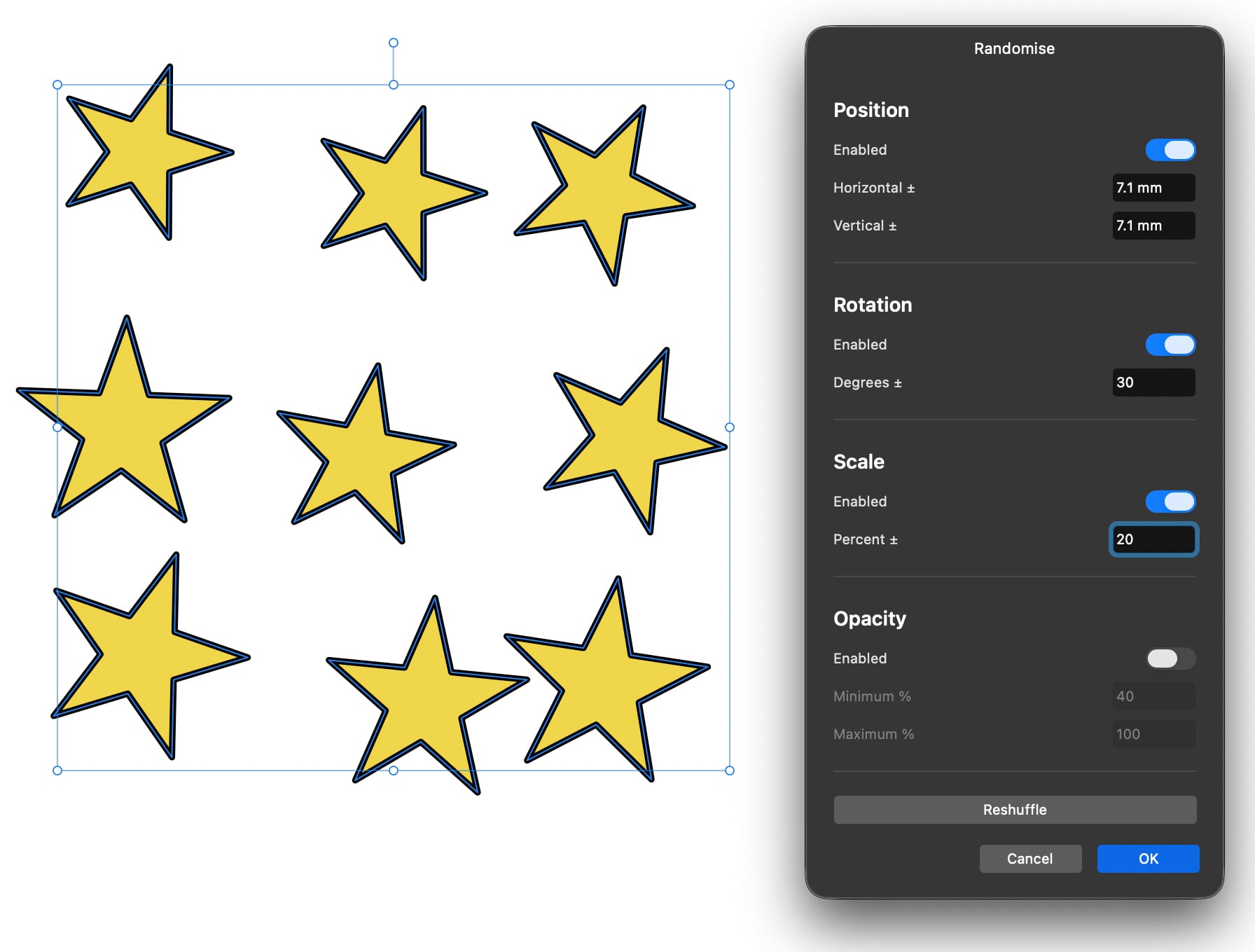
You can use a library script to redraw corners as rounded, to create crop and registration marks around selected artwork, and to reorder objects (such as moving any object in front of one that’s partially hiding it). There are scripts to select all objects of the same type (text boxes, rectangles, curves and so on), and to randomize objects – with full control over scale, rotation, position and opacity.
Manipulating Paths
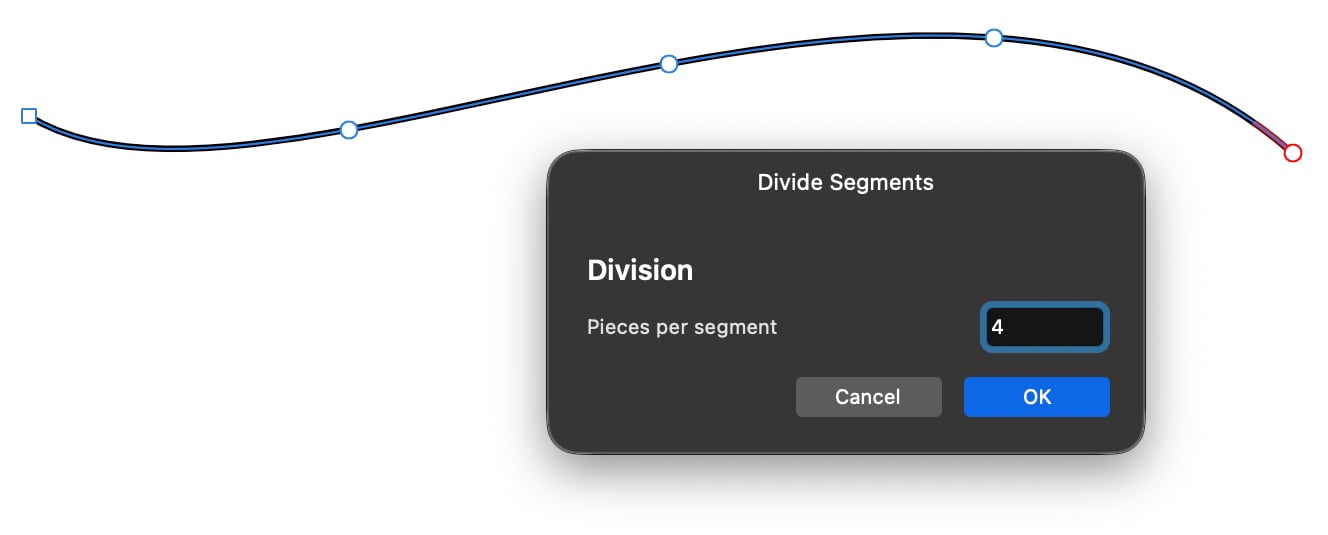
You can use scripts to add a new node at the midpoint of any curve, and – as here – to divide any curve into multiple segments.
Object Grids
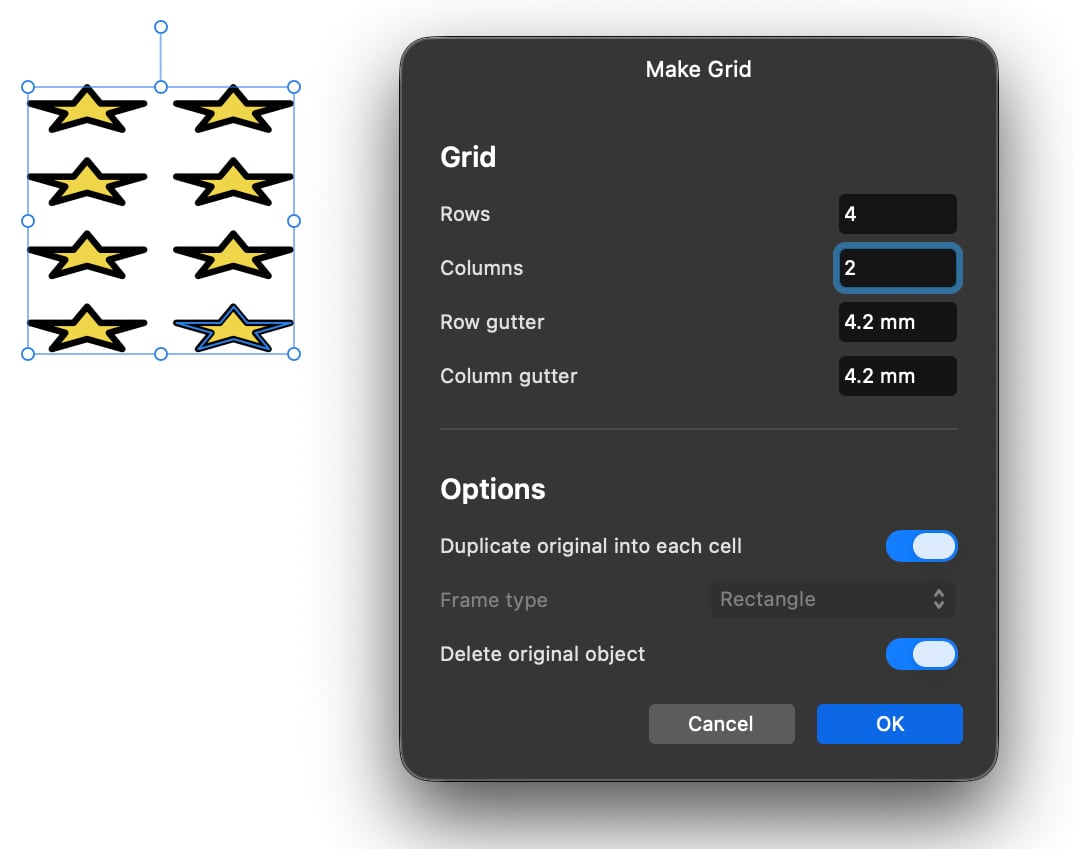
A useful built-in script offers the ability to make a grid from any object, with a panel into which you enter the number of rows and columns, and the distance between them.
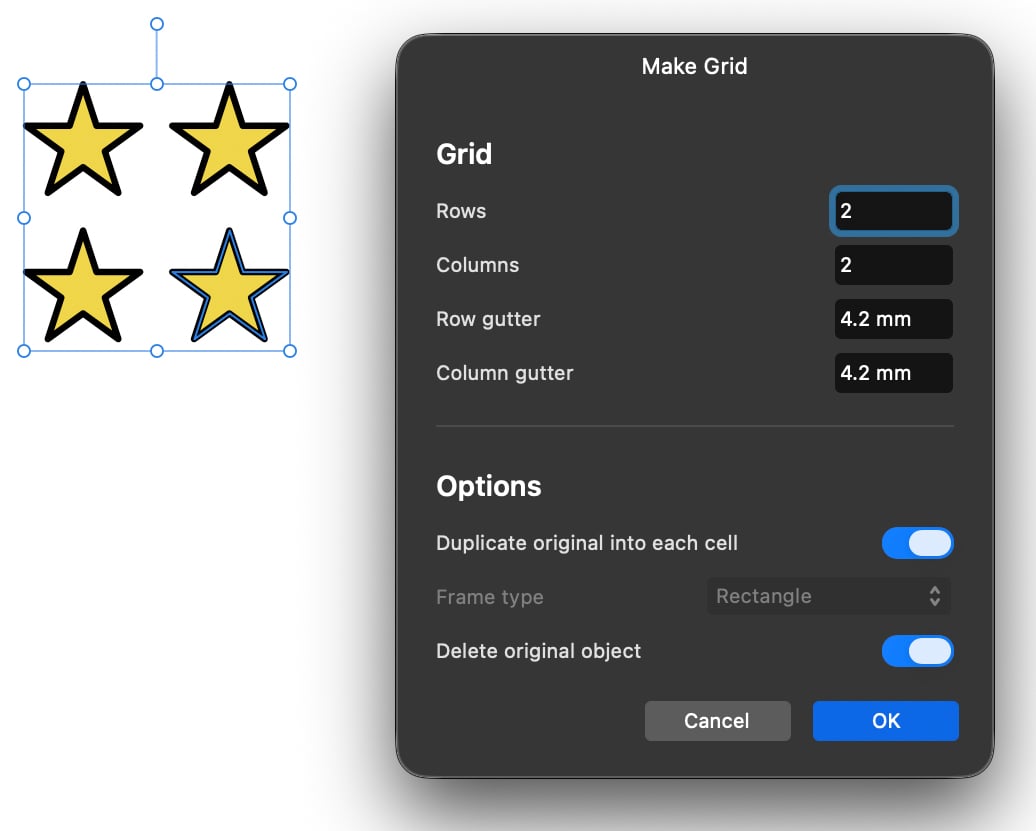
Note that this tool creates its grids within the original object area, so will distort shapes to fit that space. It’s best used for building grids of rectangles, rather than creating arrays of existing shapes.
Layout Tools
A couple of useful library scripts exist for document creation, including the ability to split a threaded story into individual, non-linked text boxes. There’s also a script to break a single threaded text box out of a story, which will then close up the gap before and after it.
The built-in script library offers just a taste of what scripts can do. Examples of custom scripts include adding dimensions to drawings, creating complex product catalogs and developing multiple product shots, although you’ll need either to build these scripts manually, or get Claude to build them for you.
This article was last modified on October 13, 2026
This article was first published on October 13, 2026
Commenting is easier and faster when you're logged in!

Recommended for you
How Data Merge and Scripting Can Save the Day
Learn how InDesign’s capabilities turned a fragile, deadline-driven layout into...

Batch-Process (Convert/Export/Import) Documents
Export documents by the folder to PDF, IDML, (INX), JPEG, PNG, RTF, or package t...
Members-Only Video: Getting Started with Affinity
Learn how build an attractive flyer from scratch in Affinity