

Members-Only Video: Getting Started with Affinity
Learn how build an attractive flyer from scratch in Affinity

This article appears in Issue 55 of CreativePro Magazine.
Curious about Affinity but not sure where to begin? In this quick introduction, Steve Caplin builds an attractive flyer from scratch, using tools in Affinity’s Vector, Pixel, and Layout Studios which are equivalent to Illustrator, Photoshop, and InDesign all bundled into one harmonious working environment.
In the video, he demonstrates:
- Creating documents and organizing them with layers
- Placing and sizing images
- Adding and formatting text
- Object selection
- Making and adjusting masks
- Adjusting images with curves
- Adding effects like shadows
- Image brushes
- Applying colors
- Adjustment layers
- Vectorizing with image trace
- And more!
Commenting is easier and faster when you're logged in!

Recommended for you


Merge Ahead: Choosing the Right Tool for Variable Data Jobs
Which tool will smooth the road for the variable data that drives your customize...
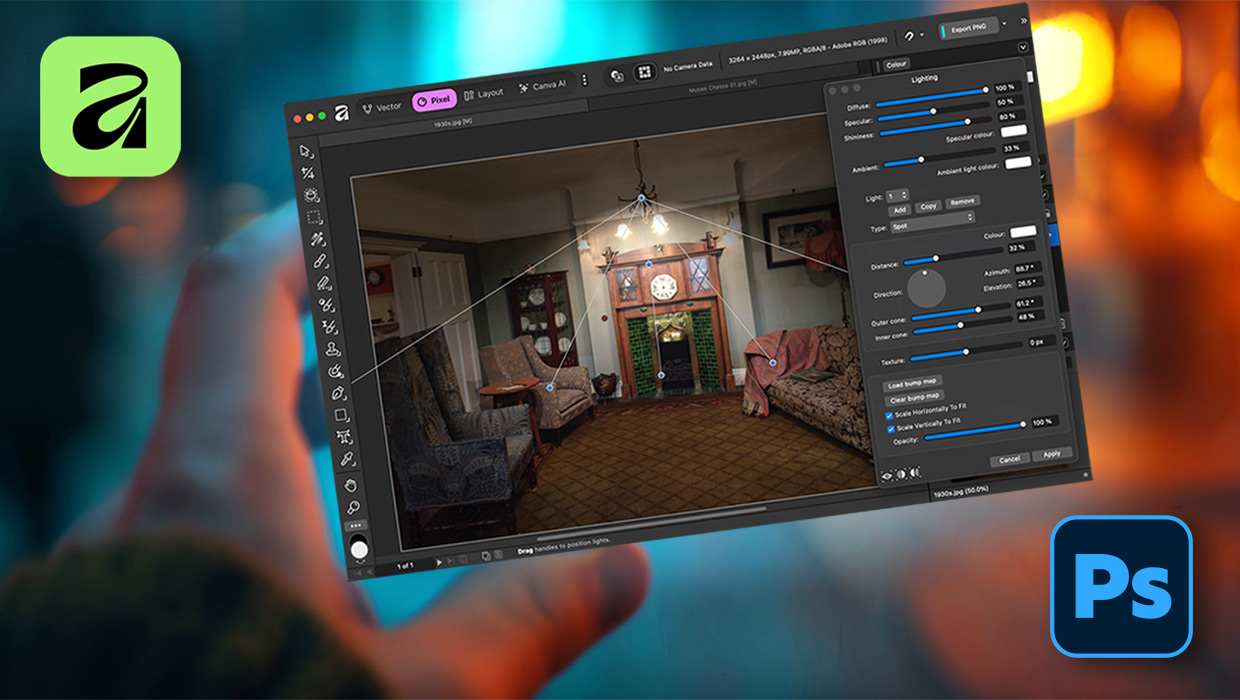
Affinity for Photoshop Users
From real-time previews to added adjustments, Affinity special effect and lighti...