


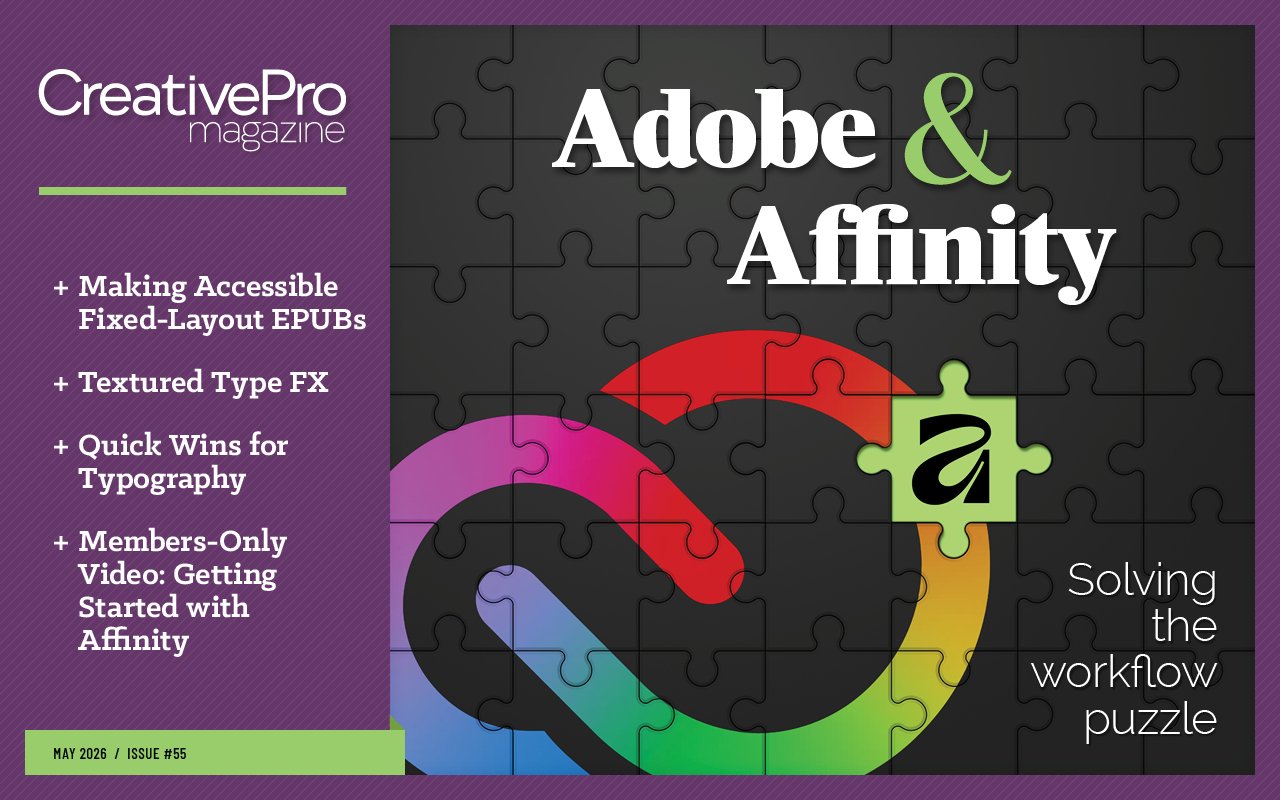
Adobe and Affinity
- Creating Accessible EPUB with Affinity
- Textured Type FX
- Members-Only Video: Getting Started with Affinity
- Quick Wins: Typography
- Snippets: Design news, inspiration, tips, and fun
May 2026

Letter from the Editor
If you’re familiar with David Blatner’s easy stage presence at events like CreativePro Week, you might not be surprised to learn that he has a background in theater. Long before David knew InDesign, he knew improv.
From time to time, David shares lessons from his improv days that are applicable in a business context. One of them is called “Yes, and,” which perfectly describes the theme of this issue. It means that the players in an improv scene don’t contradict the first thing one of them said, no matter what it might be. Instead, they all accept and expand on it. This keeps the flow going and focuses everyone on building out the creative potential of that first idea. It requires that the players have the courage to try something new and unknown, and the flexibility to find creative ways to fit everyone’s contributions together into a seamless story.
So, thanks to David, when I think about Affinity vs. Adobe, I think: Yes, we’re all going to stick with Adobe, and Affinity has some amazing tools that may benefit us—if we have the courage and creativity to incorporate them into our workflows.
I’m so excited about the possibilities of a combined Adobe-Affinity workflow that I’m doing a session on it at CreativePro Week. Hope you can join me there!
In the meantime, we have some great Affinity content in this issue, starting with the members-only video by Steve Caplin. If you’ve never used Affinity before, this is the place to start. Steve walks you through the process of building an attractive flyer, using tools and features that rival the ones you’re used to in InDesign, Photoshop, and Illustrator—all within one program! You get professional-quality output from a frictionless workflow.
Also, don’t miss our latest podcast, where Steve shares his thoughts about Affinity.
In our feature article, Ken Jones shows why you should consider Affinity for the job of creating ebooks (even if you started the project in InDesign). He shows how easy it is to craft an accessible fixed-layout EPUB that’s fully faithful to the original book design. Ken will be joining me on stage in Nashville to demonstrate this workflow.
Back in the realm of Adobe, we have Nigel French’s master class on creating textured type effects in Photoshop and Illustrator. Whether you want glass, grit, grunge, or glitch, he’s got the goods.
Quick Wins rounds up some great resources to up your type game, including Nigel’s 20 Desert Island Typefaces and the CreativePro Font Collections (high-quality free fonts for commercial use).
Snippets is your source for fun and useful stuff for designers.
And be sure to check out our most recent YouTube videos and Community Calendar.
Enjoy!

Recommended for you

What Your Printer Wishes You Knew
What Your Printer Wishes You Knew Building Illustrator Templates Animating with…

Creative QR Codes
Creative QR Codes Calibrating Your Display How to Be a Better Designer: Learn Ab…
Building Better InDesign Documents
Working with Parent Pages in InDesign Affinity for Photoshop Users Members-Only…