
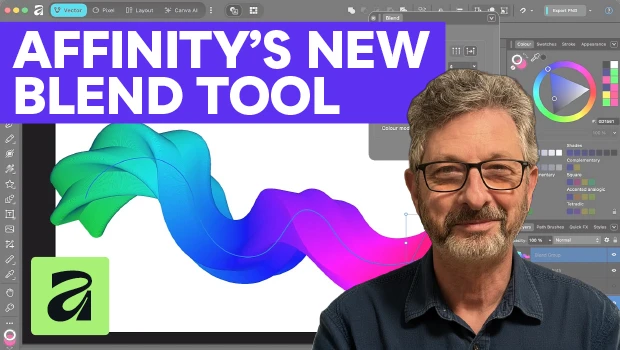
In this Affinity how-to video, Steve Caplin shows off the magnificent new Blend tool in the Vector Studio. He demonstrates how to create a path of blended shapes, curve that path, and adjust the spacing to create a smooth gradient. Finally, Steve plays with object rotation, hue transitions, and more to create some truly spectacular results.
Subscribe to the CreativePro YouTube channel for more helpful design tips!
This article was last modified on November 6, 2026
This article was first published on November 6, 2026
Commenting is easier and faster when you're logged in!

Recommended for you

Closed Captioning in Premiere
Add captions to your Premiere video to ensure everyone benefits from its audio t...
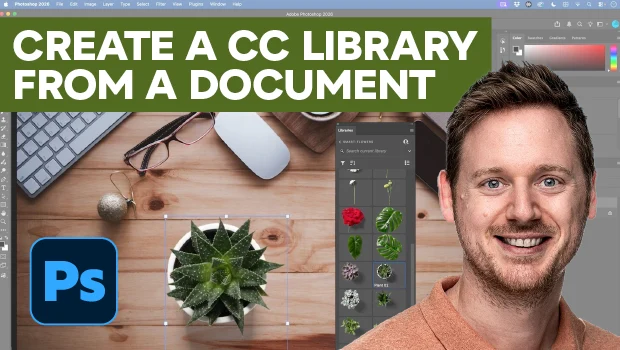
Convert a Photoshop Document into a Creative Cloud Library
Create a Creative Cloud Library directly from your Photoshop files.

News from Adobe MAX 2026
A quick breakdown of what's new in Photoshop, Illustrator, InDesign, and Firefly