



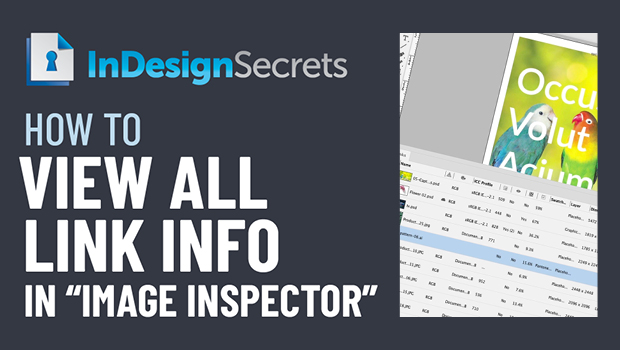
In this InDesign how-to video, Bart Van de Wiele explains how to create an image inspector, showing a plethora of information on a document’s links. Taken from the “Three Minutes Max” event at CreativePro Week, he shows all the hidden information you can include, and even how to share that info in a spreadsheet.
Check out new tutorials every other Tuesday on our InDesign Secrets YouTube channel, then join the discussion on our Facebook group!
This article was last modified on August 29, 2025
This article was first published on December 16, 2020
Commenting is easier and faster when you're logged in!

Recommended for you

Auto format a word with GREP Styles, Ignoring Capitalization and Accents
Someone wrote us recently asking about how to format a word with grep styles, bu...

Every Mac Blogger Should Use MarsEdit
I don’t usually tell people what to do, but I’ll make an exception in this case:...
Organizing Print Presets in InDesign
Two methods for sorting the menu order of print presets in InDesign