




In this week’s InDesignSecrets video, Anne-Marie Concepción explains how to make your fractions into actual, styled fractions. The answer lies in the Glyphs panel, and it’s as easy as finding and choosing the right character. If you’re using OpenType fonts—like those found in Adobe Fonts (previously Typekit)—making properly formatted fractions is a snap!
Check out new tutorials every Tuesday on our InDesign Secrets YouTube channel, then join the discussion on our Facebook group!
This article was last modified on August 29, 2025
This article was first published on October 30, 2018
Commenting is easier and faster when you're logged in!

Recommended for you

Missing Glyphs
InDesign shows missing glyphs as pink boxes. The script can be used to list all...
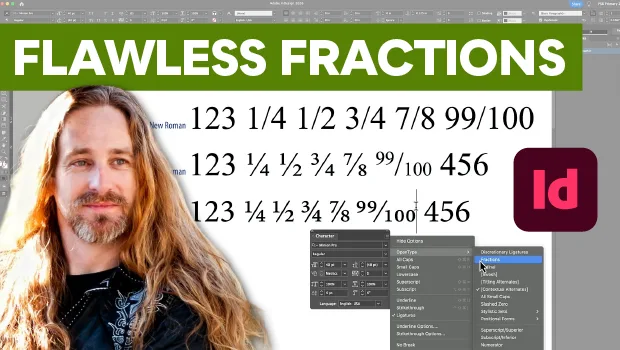
Create Flawless Fractions with OpenType
Choose your font carefully if you need flawless fractions!
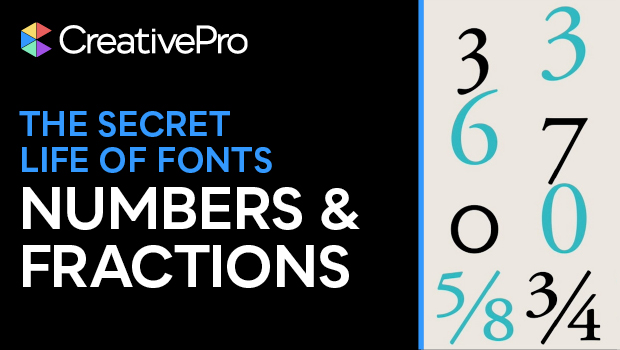
Formatting Numbers and Fractions
If your numerical figures are looking off, you may need figure styles! Nigel Fre...