



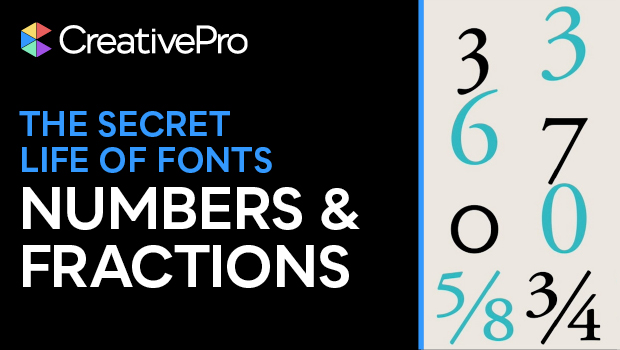
In this typographical how-to video, Nigel French reviews the four figure style options in InDesign. These figure styles refer to how numbers will appear within a typeface, with each style best suited for a different use. Next Nigel looks at how to use fraction formatting, including how to automate your fractions by setting up a GREP expression in InDesign.
Subscribe to the CreativePro YouTube channel for more helpful design tips!
This article was last modified on September 12, 2025
This article was first published on September 12, 2025
Commenting is easier and faster when you're logged in!

Recommended for you

Create Flawless Fractions with OpenType
Choose your font carefully if you need flawless fractions!

Quick Wins: Adjusting Color in Photoshop
Use these five resources to get better at adjusting color in Photoshop