



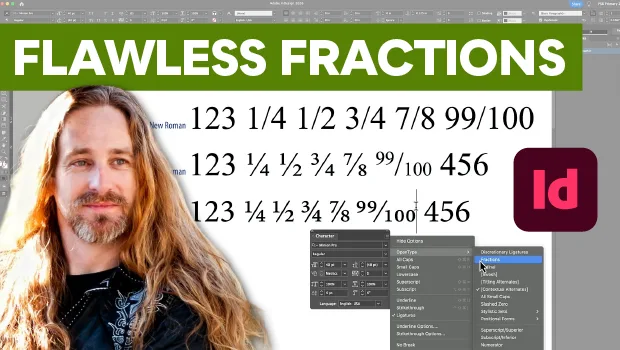
In this InDesign how-to video, Pariah Burke demonstrates the difference between standard font fractions and OpenType ones. First, he explains how using standard fonts like Times New Roman involves tracking down fractions in the Glyph panel and a limited selection. Then he shows off the flawless fractions of OpenType fonts like Minion Pro.
Subscribe to the CreativePro YouTube channel for more helpful design tips!
This article was last modified on October 16, 2026
This article was first published on October 9, 2026
Commenting is easier and faster when you're logged in!

Recommended for you


Missing Glyphs
InDesign shows missing glyphs as pink boxes. The script can be used to list all...
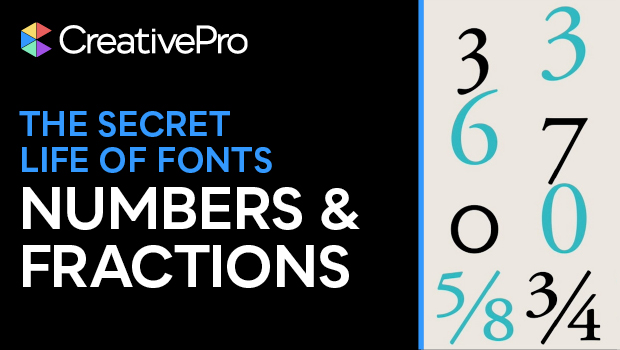
Formatting Numbers and Fractions
If your numerical figures are looking off, you may need figure styles! Nigel Fre...