

In this typographical how-to video, Nigel French adds personality to his type with alternates, swapping out the default glyphs for ones with more flair. Then he explains stylistic sets, which are groups of alternates in a certain style. Finally, Nigel shows how to use Paragraph Styles to automate alternates.
Subscribe to the CreativePro YouTube channel for more helpful design tips!
This article was last modified on September 19, 2025
This article was first published on September 19, 2025
Commenting is easier and faster when you're logged in!

Recommended for you
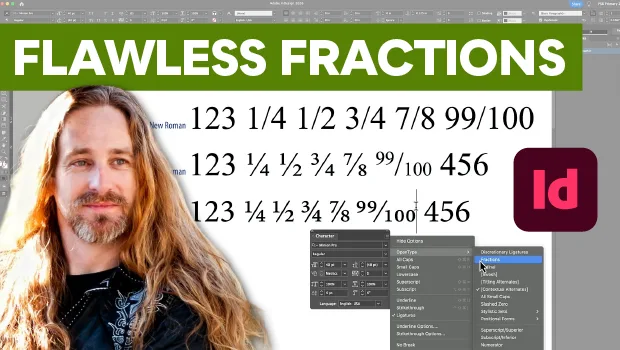
Create Flawless Fractions with OpenType
Choose your font carefully if you need flawless fractions!

Missing Glyphs
InDesign shows missing glyphs as pink boxes. The script can be used to list all...