




In this InDesign how-to video, Khara Plicanic gives an overview of working with parent pages—think of them like a template page—in a document. She shows how to set up a new parent page, add elements to the page, how to make changes to the content later, and how to apply a different parent to a page in your document.
Subscribe to the CreativePro YouTube channel for more helpful design tips!
This article was last modified on August 29, 2025
This article was first published on October 16, 2024
Commenting is easier and faster when you're logged in!

Recommended for you

The Peter Kahrel Script Repository Gets a CreativePro Makeover
Peter Kahrel is one of the most prolific and influential InDesign scripters of a...
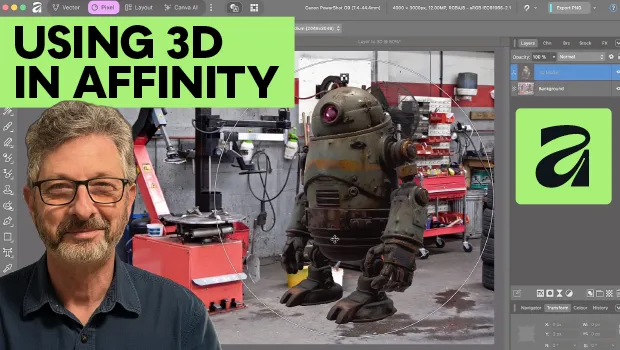
Using 3D in Affinity
Create rotatable 3D objects using Affinity and Canva AI with Steve Caplin.
Interview with Karen Larson, Brand Strategist and Artist
Discover how Canva can fit into impactful, professional workflows.