




In this Photoshop how-to video, Steve Caplin demonstrates how easy it is to create a seamless pattern. He shows how to add and modify items within the pattern boundary and how the items repeat endlessly. Finally, Steve saves the pattern to be used as an overlay within other Photoshop files.
Subscribe to the CreativePro YouTube channel for more helpful design tips!
This article was last modified on August 29, 2025
This article was first published on March 26, 2025
Commenting is easier and faster when you're logged in!

Recommended for you

Illustrator Downloadable: Neon Halloween Styles and Icons
This downloadable package includes nine Halloween vector icons and seven colorfu...
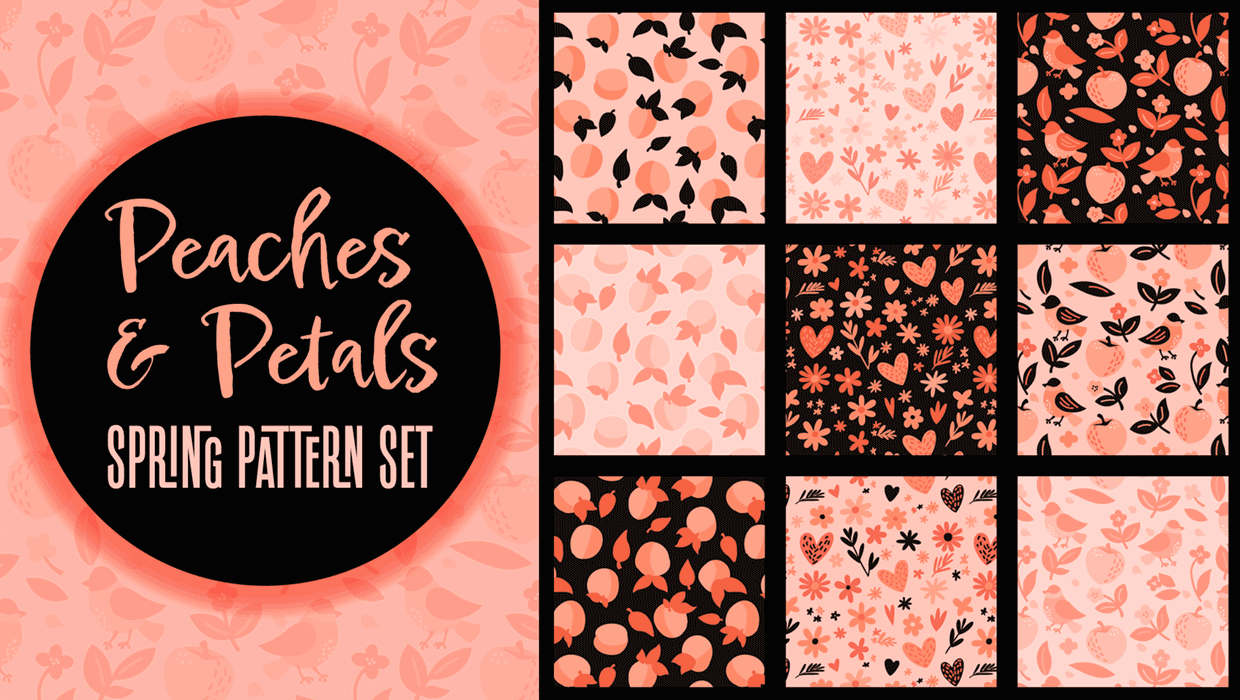
Illustrator Downloadable: Peaches and Petals Pattern Set
Add sweetness and impact to your designs with these Illustrator patterns
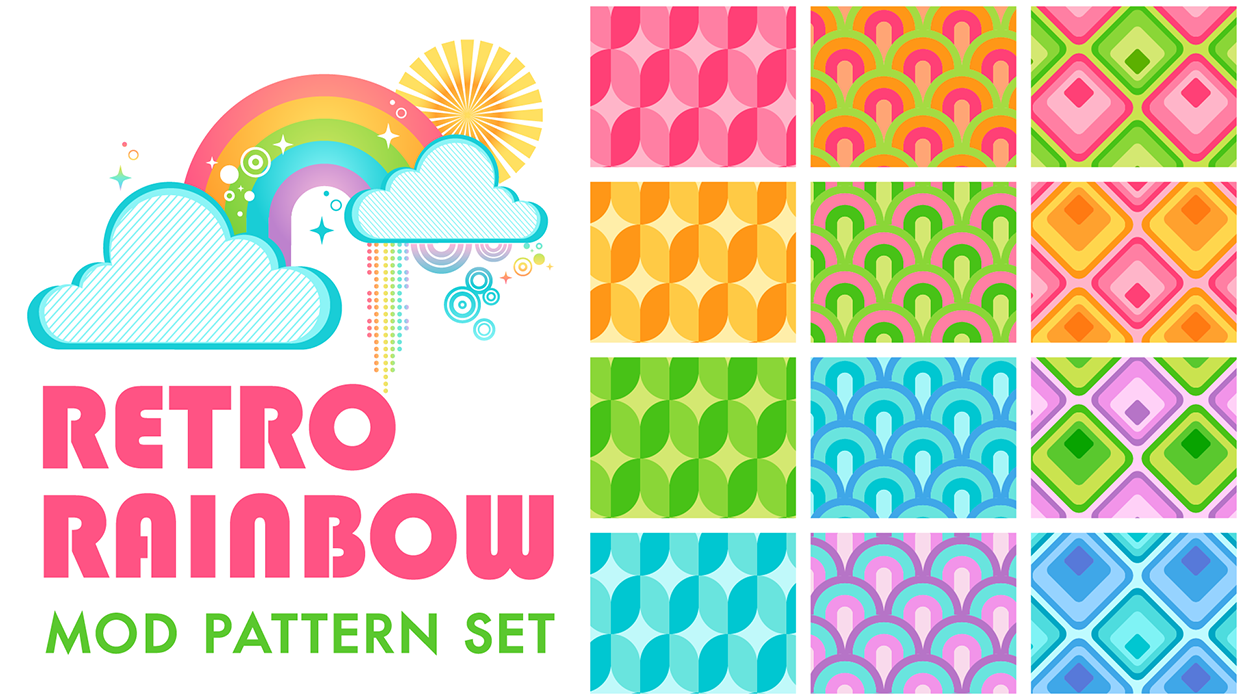
Illustrator Downloadable: Retro Rainbow Pattern Set
Add cheerful colors and shapes to your designs with these Illustrator patterns