



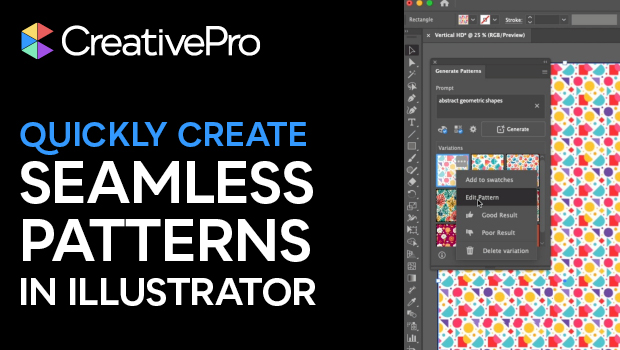
In this short Illustrator video, Khara Plicanic shows how to create a seamless pattern using built-in AI. She then makes edits to the vector shapes themselves.
Subscribe to the CreativePro YouTube channel for more helpful design tips!
This article was last modified on October 3, 2025
This article was first published on September 17, 2025
Commenting is easier and faster when you're logged in!

Recommended for you

How to Use Variable Stroke Widths in Illustrator
Learn how to create strokes with non-uniform widths in Illustrator and how to sa...
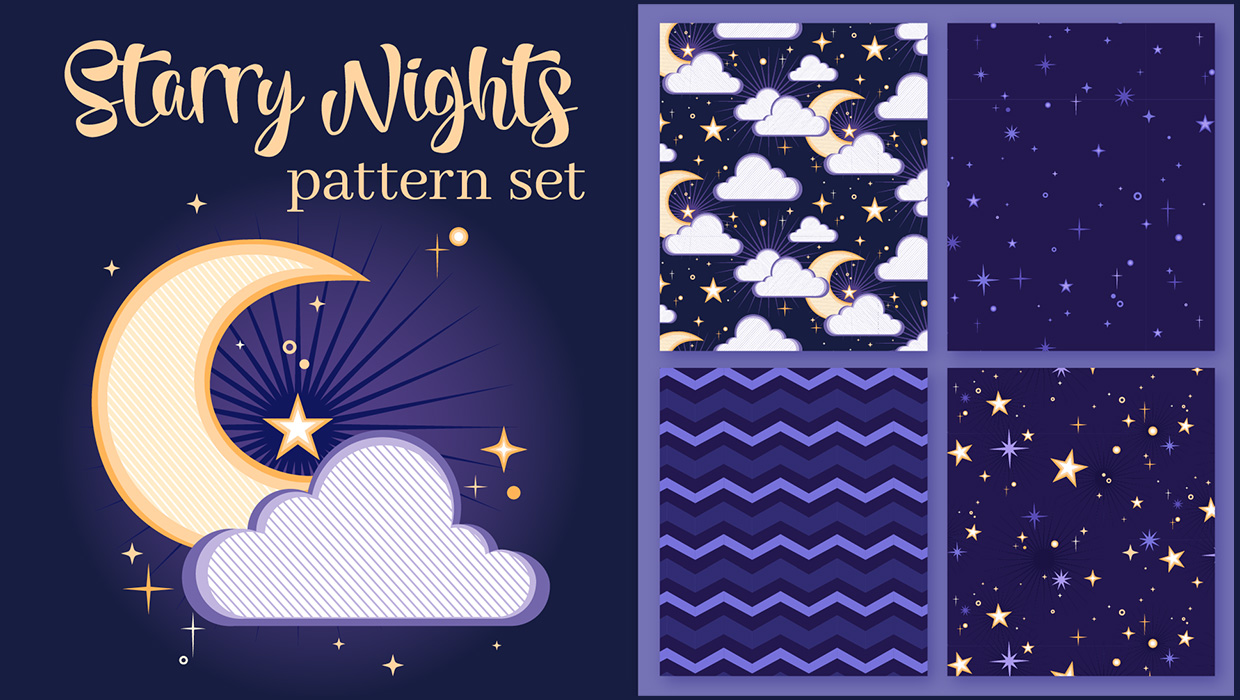
Illustrator Downloadable: Starry Night Patterns
Use these vector patterns, swatches, and symbols to add a dreamlike whimsy to yo...

How to Create Better Block Shadows in Illustrator
Learn a better way to create the most efficient long block shadows in Illustrato...