



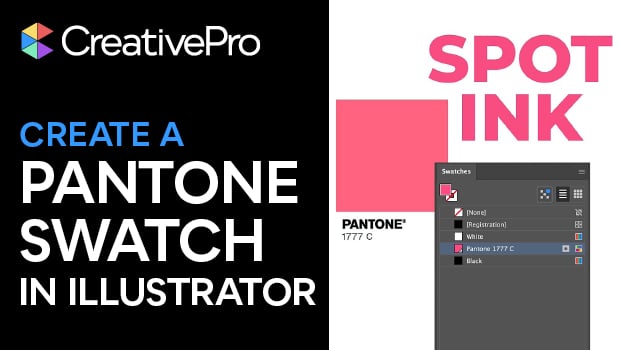
In this Illustrator how-to video, Theresa Jackson mourns the loss of Pantone swatches in Adobe software — but also shows you how to create your own! Starting with Pantone’s color finder tool, Theresa finds her chosen color and then she tracks down the RGB color values. Back in Illustrator, she demonstrates how to input the color into the Swatch panel.
Subscribe to the CreativePro YouTube channel for more helpful design tips!
This article was last modified on February 6, 2026
This article was first published on February 6, 2026
Commenting is easier and faster when you're logged in!

Recommended for you

CreativePro Video: Add Grunge to Vector Artwork
See how to create grunge effects in Illustrator by converting bitmapped artwork...

CreativePro Week 2026 Preview: 5 Indispensable InDesign Sessions
Five sessions InDesign users can't afford to miss
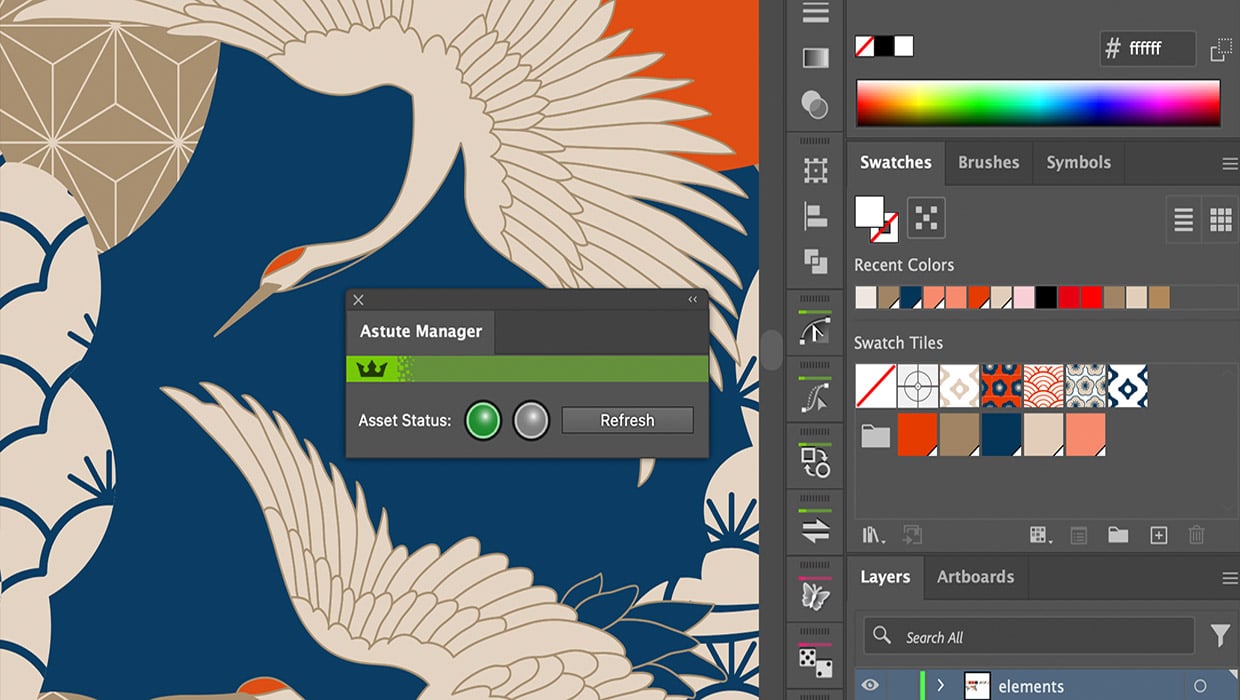
Review: Astute Manager Pro
This new service makes it easy to back up, restore, and sync your Illustrator se...