



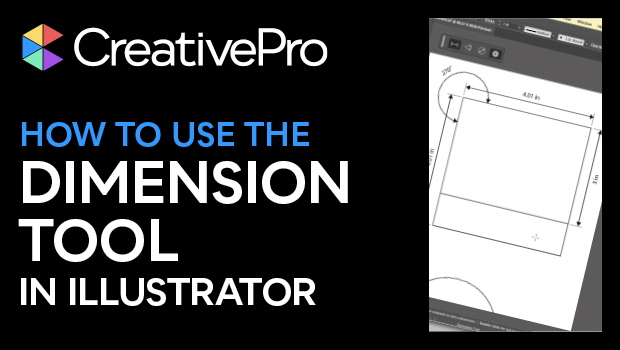
In this Illustrator how-to video, Khara Plicanic shows how the new Dimension tool lets you add measurements to your artwork. Whether you’re making technical drawings or creating packaging, this slick tool quickly creates length, angle, diameter, and radius labels, with a customizable look.
Subscribe to the CreativePro YouTube channel for more helpful design tips!
This article was last modified on August 29, 2025
This article was first published on March 20, 2025
Commenting is easier and faster when you're logged in!

Recommended for you

Add Character to Illustrator Artwork with Brushes
Improve on your artwork’s basic appearance with a few simple steps.

A Closer Look at Obscure Features
Blink and you might miss these 20 obscure InDesign features worth knowing

The Digital Art Studio: Recoloring a Scan with Illustrator
How to recolor Illustrator images with a new color palette—and do it quickly.