



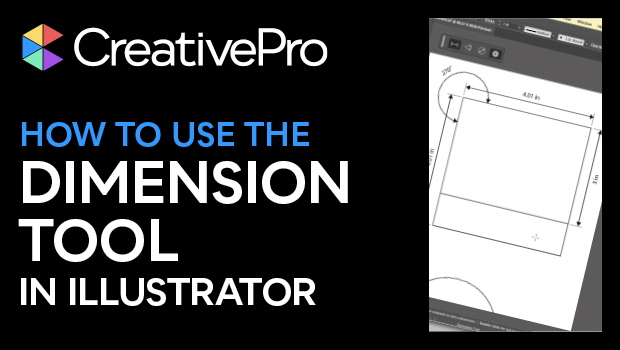
In this Illustrator how-to video, Khara Plicanic shows how the new Dimension tool lets you add measurements to your artwork. Whether you’re making technical drawings or creating packaging, this slick tool quickly creates length, angle, diameter, and radius labels, with a customizable look.
Subscribe to the CreativePro YouTube channel for more helpful design tips!
This article was last modified on August 29, 2025
This article was first published on March 20, 2025
Commenting is easier and faster when you're logged in!

Recommended for you

Interview with Ari Weinstein, Illustrator and Branding Expert
Q&A with illustrator, author, and branding expert Ari Weinstein

How to Fix the Fill on Items with Wavy Strokes
InDesign's “fancy” stroke styles don’t adhere to shape of the path you apply the...
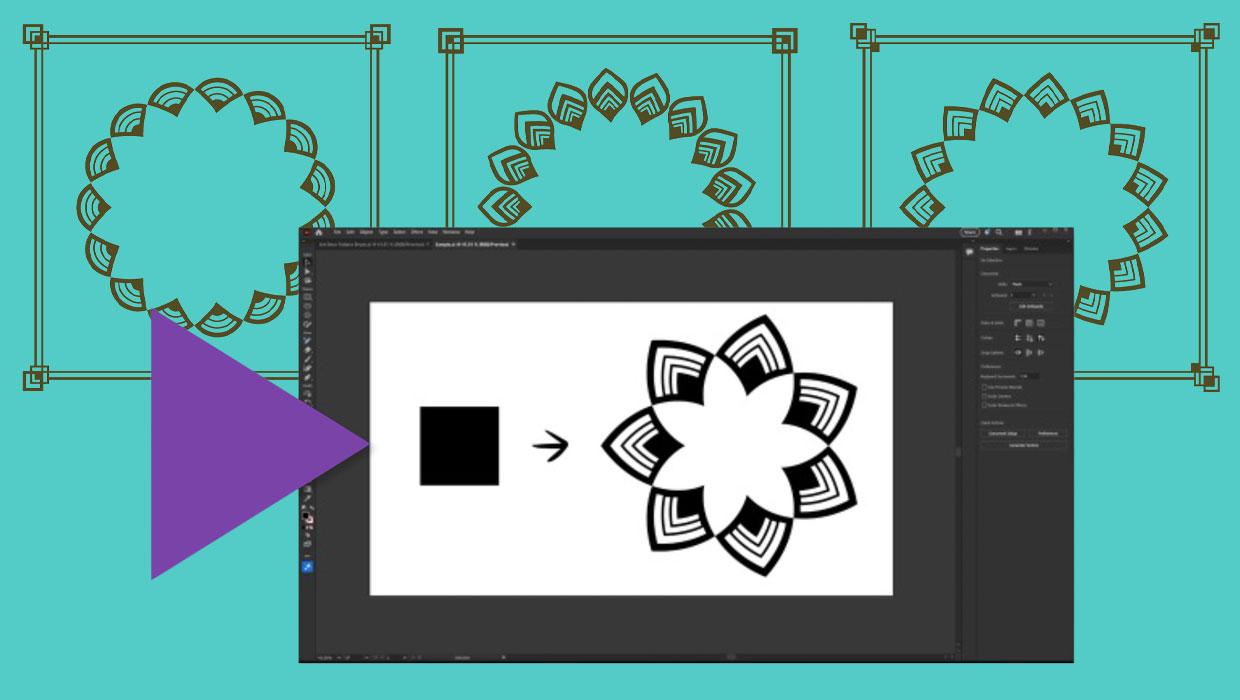
Members-Only Video: Creating Artwork with Pattern Brushes in Illustrator
Learn how to build custom pattern brushes in Illustrator so you can apply comple...