



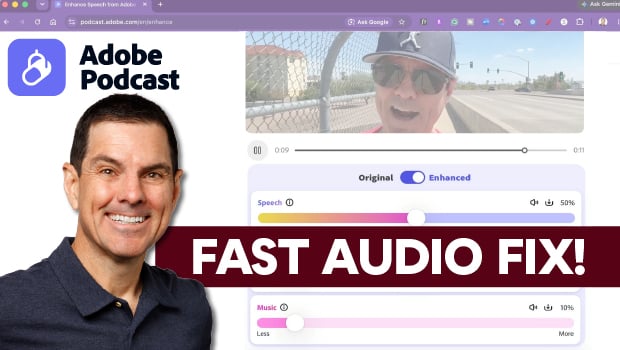
In this video, Michael Mondragon shows how to quickly fix audio with the AI-powered Enhance Speech tool in Adobe Podcast. After uploading a video, he uses the Enhance tool, and then manually adjusts the balance of speech, music, and background sound. Finally, Michael demonstrates how to auto-generate and style captions before exporting the video.
Subscribe to the CreativePro YouTube channel for more helpful design tips!
This article was last modified on September 23, 2026
This article was first published on July 29, 2026
Commenting is easier and faster when you're logged in!

Recommended for you
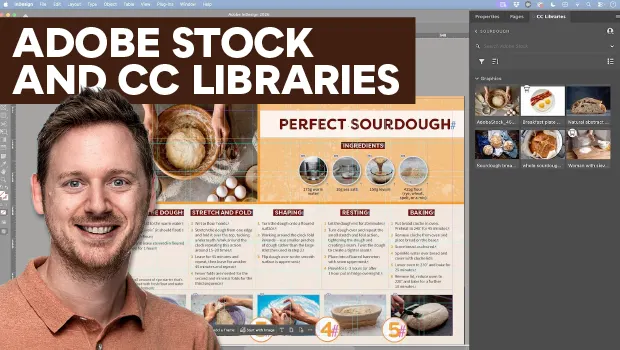
Find Adobe Stock Assets Without Leaving InDesign
Find Adobe Stock assets without ever leaving InDesign!

Sort Cross References
Cross-references are printed in the order in which they were added to the docume...

Nashville in Focus: CreativePro Week 2026 Photo Walks
A look at Music City through the lenses of the CreativePro community