



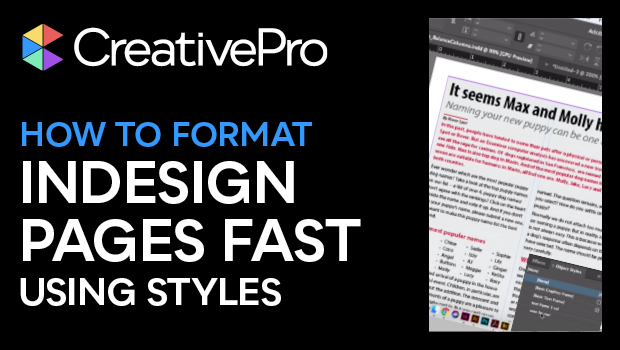
In this Three Minutes Max video, Laurie Ruhlin shows how to quickly style an entire page full of text. Using paragraph styles—incorporating the “next style” feature—as well as object styles, she formats her page with just a couple of clicks.
Three Minutes Max comes from a fun—yet very competitive—session at our annual CreativePro Week conference. Speakers have three minutes to wow the audience with the tip and win a prize for a lucky conference attendee.
Subscribe to the CreativePro YouTube channel for more helpful design tips!
This article was last modified on August 29, 2025
This article was first published on September 11, 2019
Commenting is easier and faster when you're logged in!

Recommended for you
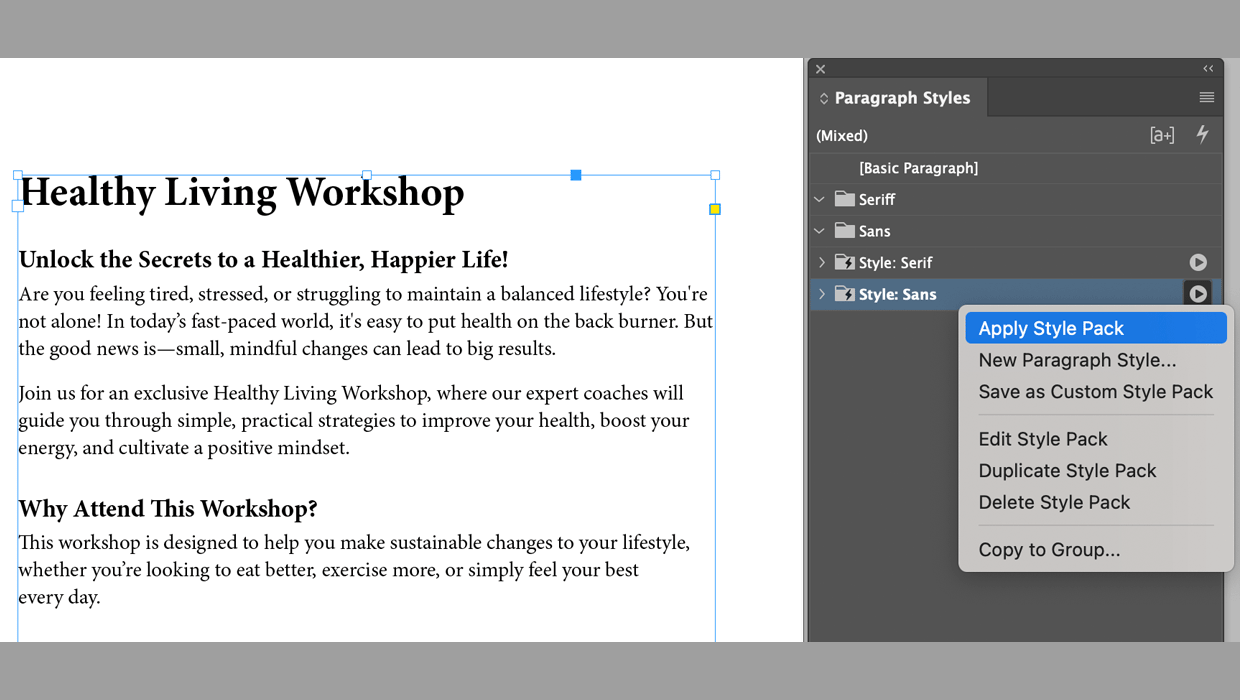
Format Text Automatically with Style Packs in InDesign
Learn how to effortlessly style text throughout an InDesign document with the he...
How to Fix InDesign Text Issues Highlighted in Blue
Why is your InDesign text blue? Myra Ferguson explains what's going on — and wha...
Create Space Around a List in InDesign
Add extra space around a list, without creating multiple paragraph styles!