




When you place styled content from Microsoft Word into InDesign, the paragraph and character styles from the Word document appear with symbols in the styles panels. The symbols certainly don’t do any harm, but they can be annoying to look at.
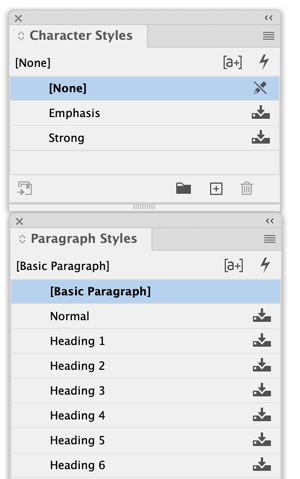
You can get rid of them by opening the Paragraph Style Options dialog box and making a change to any of the style options. That’s easy enough to do once, but it quickly gets tiresome when you have lots of imported styles.
Thankfully, now you can get rid of them all at once easily with the help of a free script from Peter Kahrel.
The script works by exporting the document to IDML and creating a new INDD file with “_fixed” added to the file name. The original document is untouched.
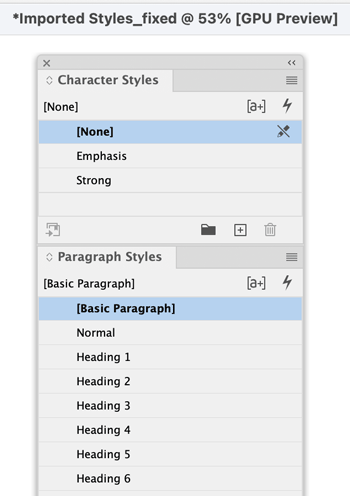
Read more about the script and download it here.
Thanks, Peter!
This article was last modified on February 18, 2026
This article was first published on February 18, 2026
Commenting is easier and faster when you're logged in!

Recommended for you
How to Style Text with AI for Use in InDesign
Have ChatGPT handle your Word document text formatting so you can focus on desig...

How to Fix InDesign Text Issues Highlighted in Blue
Why is your InDesign text blue? Myra Ferguson explains what's going on — and wha...

Place Multiple Word and RTF Documents
Place any combination of selected DOC, DOCX, and RTF files in one InDesign docum...